


Accurate voice recognition is the foundation of every reliable AI translation device. In busy environments such as hotels, airports, hospitals, tourist attractions, and government service centers, background conversations and ambient noise often reduce translation quality.
To solve this challenge, ShiMeta has introduced a new Audio Gain Control feature for its dual-screen AI translator. This intelligent update allows users to adjust microphone sensitivity based on the surrounding environment, ensuring that the device focuses on the speaker’s voice while minimizing unwanted background noise.
Whether you’re serving international guests or communicating with overseas visitors, the new feature helps deliver faster, clearer, and more accurate real-time translation.
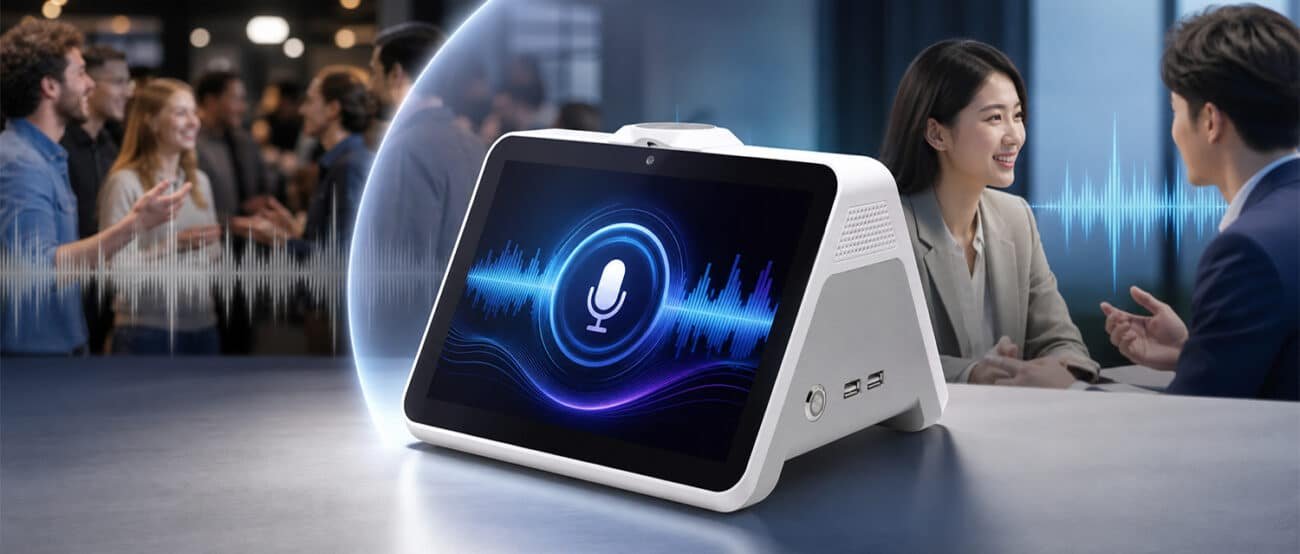
Many public service environments are naturally noisy.
Examples include:
Without proper microphone control, a translation device may accidentally capture nearby conversations, resulting in inaccurate translations and communication interruptions.
The new Audio Gain Control feature intelligently improves voice pickup, allowing the translator to focus on the intended speaker.
Adjust the microphone sensitivity according to the surrounding noise level to reduce interference and improve speech recognition.
Filter out distant conversations and environmental noise while focusing on the person standing directly in front of the device.
Whether you’re working in a quiet office or a crowded exhibition hall, users can easily fine-tune the microphone to match the environment.
More accurate voice input means smoother conversations, faster service, and higher customer satisfaction.
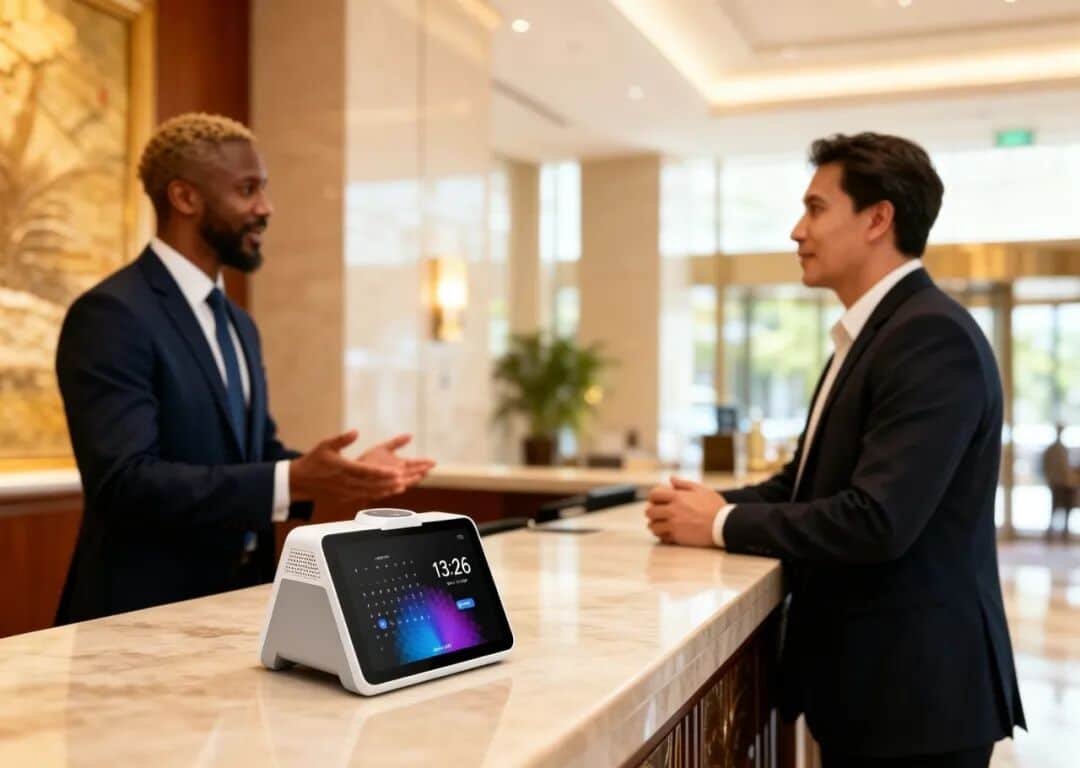
Imagine checking in an international guest at a busy hotel reception. Several staff members and guests are talking nearby, creating constant background noise.
Without microphone adjustment, the translator may mistakenly recognize surrounding conversations.
With Audio Gain Control, you can simply reduce the microphone sensitivity, allowing the ShiMeta AI Translator to capture only the guest’s voice. The result is faster and more accurate multilingual communication.
This makes the feature especially valuable for:
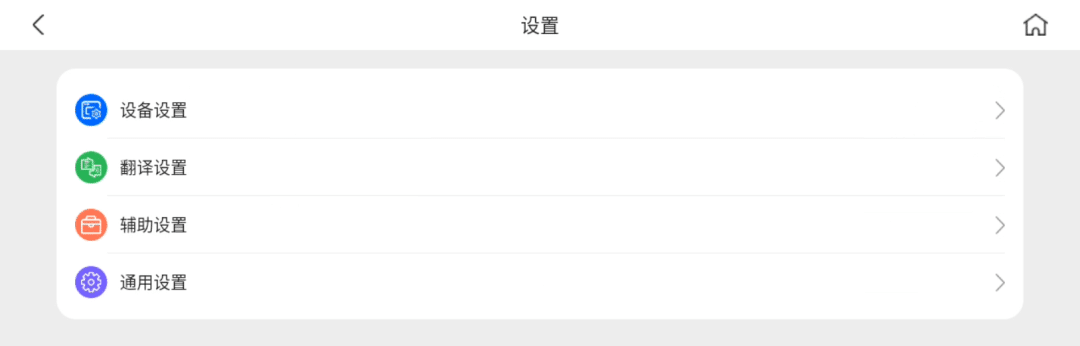
Enabling the feature only takes a few seconds.
Tap the Settings icon in the upper-right corner.
Open Accessibility Settings.
Select Audio Gain Control.
Adjust the microphone gain according to your environment.
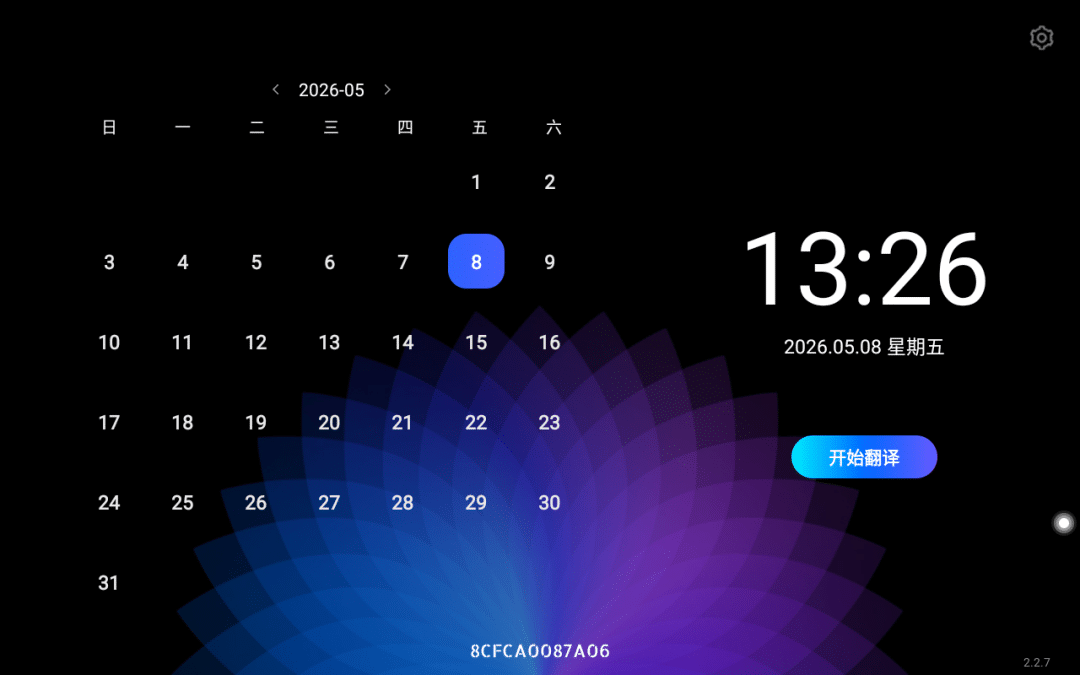
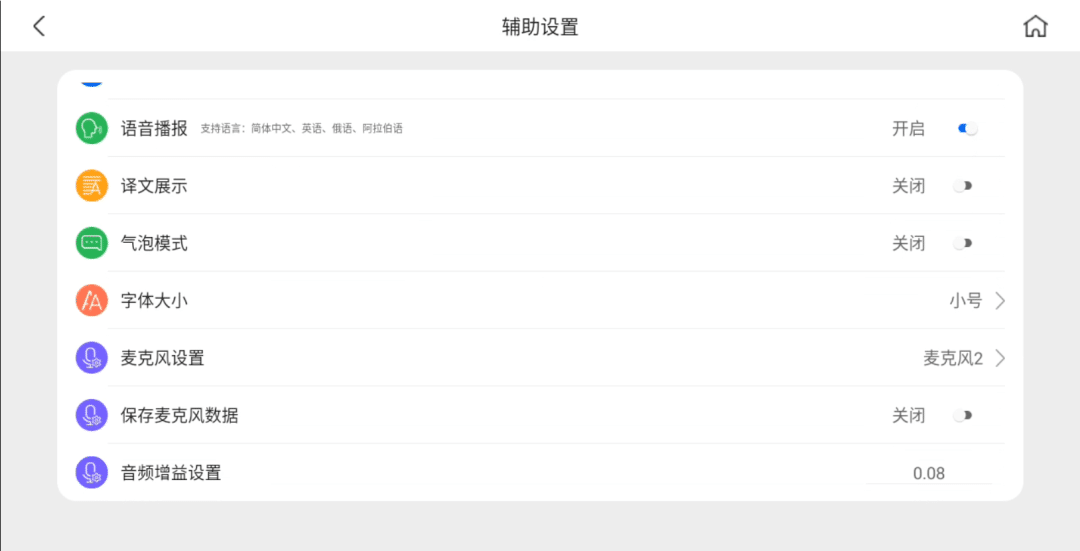
The default gain value is 0.08, which provides excellent voice pickup in quiet indoor environments.
For most offices, meeting rooms, and reception desks, no adjustment is required.
When working in crowded public spaces:
For quieter environments, simply keep the default setting.
The Audio Gain Control feature was developed based on customer feedback from real deployment scenarios.
ShiMeta continuously improves its AI translation devices to help businesses communicate more efficiently with international customers.
By combining hardware optimization with intelligent software updates, ShiMeta delivers professional translation solutions for hospitality, healthcare, public services, tourism, and international business.
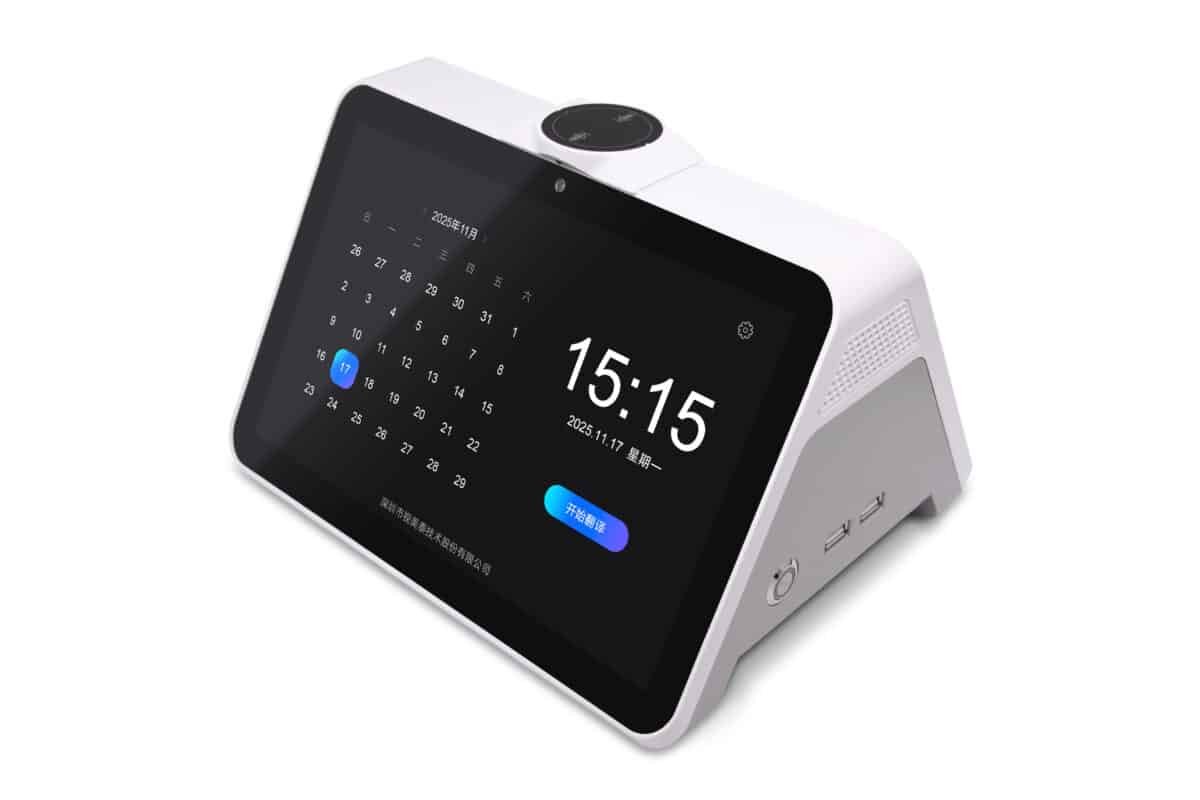
ShiMeta’s commercial AI translation device is designed specifically for face-to-face multilingual communication.
The ShiMeta Dual-Screen AI Translator is ideal for:
Every conversation matters. With the new Audio Gain Control feature, the ShiMeta Dual-Screen AI Translator delivers even greater speech recognition accuracy in noisy environments, ensuring smoother communication for businesses serving international visitors.
If you’re looking for a professional AI translation device that performs reliably in real-world environments, ShiMeta offers a smarter solution for multilingual communication.
 Shimeta


