


The ShiMeta Digital Signage System is a powerful platform that enables businesses to manage and distribute multimedia content across networked display screens. From advertisements and announcements to interactive campaigns, this system streamlines both content creation and deployment. However, during installation and operation, users may encounter some server-side issues. To help you resolve common problems quickly and keep your digital signage system running smoothly, we’ve compiled practical troubleshooting tips and solutions.
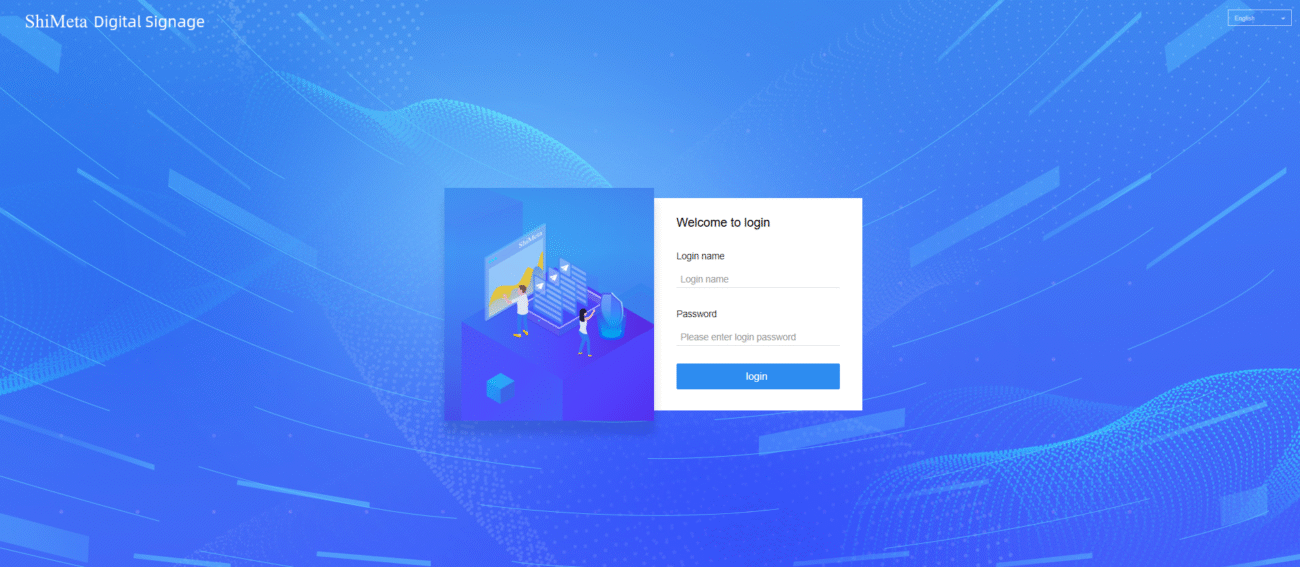
Problem: After installing the server, other PCs on the same network segment cannot open the management web interface.
Possible Causes & Solutions:
Firewall or Network Restrictions — Ensure the server’s firewall is either disabled or configured to allow incoming connections.
Server Application Blocked by Security Software — If the server software fails to start due to an antivirus or security alert, restart and allow it when prompted.
Insufficient User Permissions — Install and run the server software under an Administrator account to avoid permission errors, especially with services like MySQL.
Problem: During installation, you receive a message indicating that port 3306 (used by MySQL) is occupied and cannot be closed.
Solution:
Best practice is to dedicate a standalone PC as the server host. This avoids conflicts with pre-installed databases or software that may occupy critical ports, ensuring stable performance of the digital signage backend.
Problem: Installing additional software causes the background window to flicker and the web UI to stop responding.
Solution:
Some third-party network plugins can modify system protocols and disrupt web server behavior. Uninstall such software and reboot the server to restore stable operation. For long-term stability, use a dedicated machine as the signage server.
Problem: Some buttons or navigation elements in the server dashboard do not react when clicked.
Solution:
This typically indicates an incomplete server environment setup. Ensure your server meets all software and hardware prerequisites according to the official installation guidelines before installing.
Problem: When another PC tries to upload content packages to the server, the import fails and the connection drops.
Solution:
Security software on the server may block file uploads. Either temporarily disable antivirus/security programs or confirm all security prompts by choosing “Allow” so the upload can proceed uninterrupted.
Use a dedicated computer for the signage server to avoid resource conflicts.
Ensure that network ports and services are correctly configured.
Keep antivirus or security software settings optimized to allow server processes.
Always follow the official installation instructions for system prerequisites.
The ShiMeta digital signage system server is a centralized management platform used to publish, schedule, and control multimedia content across multiple digital displays over a network.
Port 3306 is commonly used by MySQL. If it’s occupied, it’s recommended to deploy the digital signage server on a dedicated PC without other database services to avoid conflicts.
This often happens after installing third-party software that modifies network protocols. Removing incompatible plugins and rebooting the server usually resolves the issue.


