


You need an Industrial Touchscreen Monitor for Industrial environments that can withstand tough conditions. It should keep functioning when other monitors fail. Look for strong materials and excellent touch features. The display should be clear and easy to see. Many monitors encounter issues in factories. Some screens flicker, display blue screen errors, or do not respond to touch. The table below lists some common problems:
| Failure Mode | Description |
|---|---|
| Screen Flickering | Memory contact problems, often in places used all the time |
| Blue Screen Errors | Hardware problems, may need to check memory |
| Unresponsive Touch | Software or hardware problems in nonstop use |
| System Freezes | Often fixed by removing new programs or resetting the device |
You want an Industrial Touchscreen Monitor for Industrial use that can avoid these problems. It should be reliable and easy to integrate with other devices.
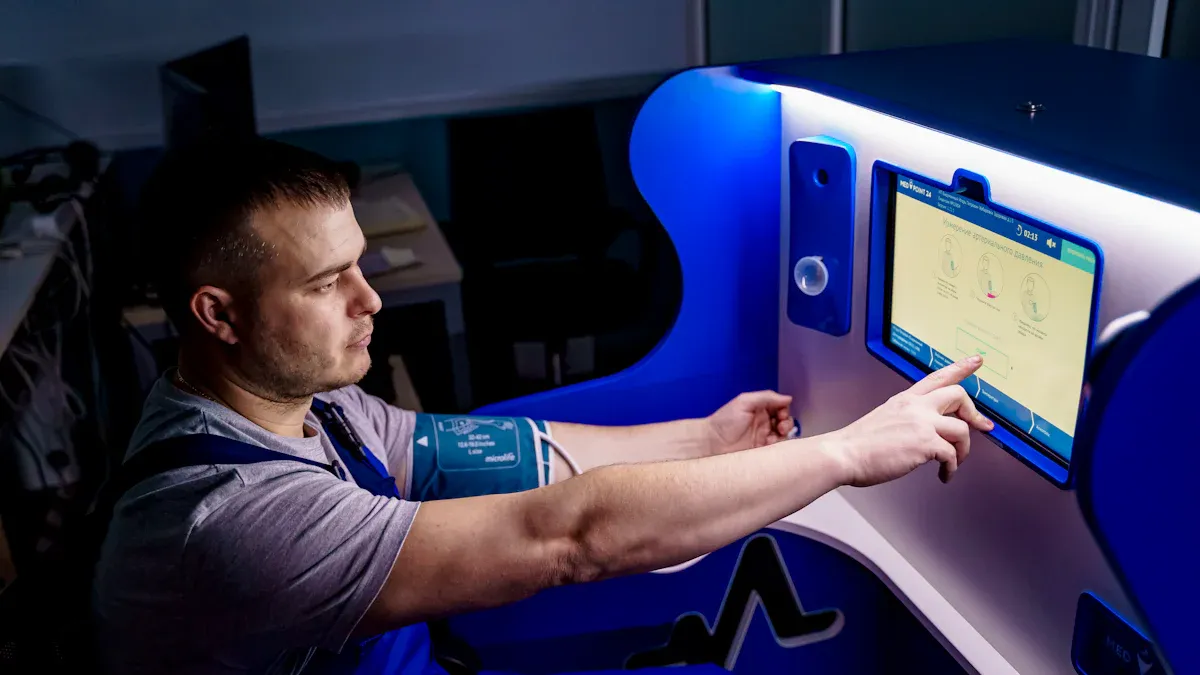
If you pick an industrial touchscreen monitor, it should last in hard places. Durability is very important. The monitor must keep working with dust, water, heat, and strong hits. Many jobs, like factories and transport, need tough monitors. Some products, like the ShiMeta AIBOX-3588M, show how strong building helps equipment last in rough spots.
You need rugged materials for your monitor. These materials stop damage and wear. Most tough monitors use stainless steel, like SUS316, which does not rust from chemicals or water. Some have metal cases that handle hot and cold and shaking. Others use strong plastic or tempered glass to protect the screen from hits.
Rugged building lets the monitor work every day in factories, warehouses, and outside. You want a monitor that does not break with dust, water, or cleaning stuff.
IP ratings show how well a monitor blocks dust and water. You should check the IP rating before you buy. Bigger numbers mean better protection. Here is a table that shows common IP ratings for industrial touchscreen monitors:
| IP Rating | Description | Applications |
|---|---|---|
| IP65 | Water-resistant | Light industrial and commercial use |
| IP66 | Water-resistant against powerful jets | Marine, military, outdoor situations |
| IP67 | Resistant to complete submersion (limited) | Food, pharmaceutical, manufacturing |
| IP68 | Resistant to submersion (extended periods) | Stadiums, transportation facilities |
| IP69K | High-pressure, high-temperature water | Food and beverage, high-standard cleaning |
IP ratings like IP65 and IP69K give full dust protection and strong water safety. For example, an IP69K monitor can handle cleaning with hot, strong water. This matters in places where you wash equipment a lot, like food plants.
Industrial places have many dangers. Machines shake. Tools can hit the monitor. Chemicals and cleaners may spill on the screen. You need a monitor that can take hits and chemical spills.
Check if the monitor’s case, seals, and wires can handle chemicals. This makes sure the monitor does not break or change color over time. Safe and steady work is important for your job.
Tip: Always ask about the monitor’s safety from shakes, hits, and chemicals. This helps you pick a monitor that fits your workplace.
If you choose durability, tough materials, and the right IP ratings, your monitor will work well in any industrial place. The ShiMeta AIBOX-3588M is dustproof, shockproof, and safe in high heat, so it is a good pick for hard jobs.
Picking the right touchscreen for your job is important. It can help your work go faster and safer. You need to know how each touchscreen type works. This helps you choose the best one for your workplace. The right touchscreen can stop mistakes and help your team do better.
There are two main types of touchscreens in factories: resistive and capacitive. Each one has special features that change how it works and how much it costs. Look at the table below to see how they are different:
| Feature | Resistive Touchscreens | Capacitive Touchscreens |
|---|---|---|
| Input Method | Pressure-based, can use any object | Conductive touch only, requires fingers or conductive stylus |
| Multi-Touch Capability | No | Yes |
| Display Quality | Lower clarity due to multiple layers | Superior clarity and brightness |
| Durability | Resistant to dust and water, robust for harsh environments | Durable but more susceptible to scratches |
| Cost | Generally more affordable | Typically more expensive |
Resistive touchscreens are good for tough places. You can use them with gloves or any tool. They keep working even with dust or water. This is great for many jobs. Capacitive touchscreens are bright and clear. They are good if you need to see details. They let you use more than one finger at a time. This can make hard jobs faster.
Think about your work area before you pick a touchscreen. If you want something cheap and strong, resistive is a good pick. If you want a clear screen and cool touch features, capacitive might be better.
Many workers wear gloves or have wet hands at work. Not all touchscreens work well in these cases. The table below shows how each type does with water or gloves:
| Technology Type | Wet Performance Description |
|---|---|
| Projected Capacitive Touch Screens | Can operate in wet conditions with minor water exposure; however, large amounts of water can cause false touches. |
| Armored ULTRA Resistive Touch Screen | Designed to operate underwater and is immune to water exposure, ensuring reliable performance in wet environments. |
In factories or outside, you may need gloves. Resistive touchscreens work with any glove or tool. Capacitive touchscreens need special gloves or a special pen. Wet screens can be a problem too. Projected capacitive touchscreens work with a little water, but too much can make them act strange. Armored ULTRA resistive touchscreens work even under water. They are best for places with lots of spills or cleaning.
Tip: Try your touchscreen with your gloves and cleaners before you buy. This makes sure it will work for you at your job.
You need a touchscreen that works fast and right every time. This keeps you safe and helps you get more done. The table below shows how long each step takes when you touch the screen:
| Metric | Time (milliseconds) |
|---|---|
| Touch Detection | 1-5 |
| Signal Processing | 2-8 |
| Data Transmission | 1-3 |
| System Processing | 5-20 |
| Display Update | 16-33 |
Fast touchscreens help you avoid mistakes. Bright and clear screens make it easy to see, even outside. Good touch technology helps you trust every tap. In tough places, strong screens and regular checks keep your touchscreen working well.
Pick a touchscreen that stays accurate, even with machines running nearby. This stops problems from electrical noise. Good touchscreens help you finish jobs faster and with fewer mistakes. This is important for every factory or work site.
Note: It is better to have a touchscreen that works well in your space than just one that is very sensitive. Pick one that fits your needs for clear pictures, strength, and easy use.
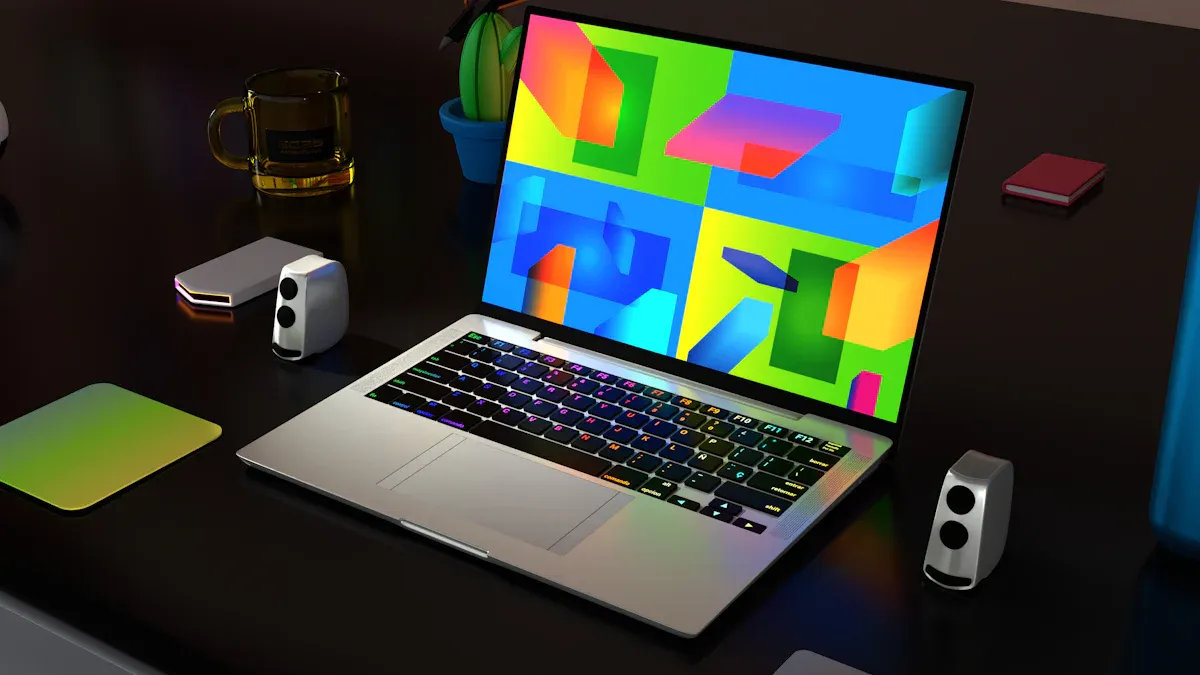
You need a monitor that looks clear in any light. Sunlight readable screens help you see outside or inside. If you work outdoors, pick a monitor with 3,500 to 6,000 nits. This brightness lets you see the screen in direct sunlight. Indoors, you need about 750 nits for good viewing.
Sunlight readable monitors help your eyes feel less tired. You can work longer without hurting your eyes.
Glare makes screens hard to see. You want a monitor with strong anti-glare technology. Here are some ways monitors stop glare:
| Anti-Glare Technology | Description | Benefits |
|---|---|---|
| Surface Texturing | Scatters light in different directions | Less glare, keeps images sharp |
| Anti-Reflective Coatings | Special films lower reflections | Screen stays bright and clear |
| Optical Bonding | No air gaps, stops inside reflections | Better contrast, touch, and strength |
| Polarization Filtering | Filters light to control glare | Easier to see in bright places |
| Diffusion Films | Spreads out reflections | Screen is easy to read from many angles |
Wide viewing angles let you see the screen from anywhere. You do not have to stand right in front of it. Sunlight readable monitors with these features work well in control rooms and factories.
| Benefit | Description |
|---|---|
| Enhanced Visibility | You can see info from many spots |
| Clarity in Bright Environments | Sunlight readable screens stay clear in bright light |
| Reduced Glare | You do not lose sight from glare like on normal monitors |
Picking the right screen size and resolution helps you do your job well. Sunlight readable monitors come in many sizes. Big screens are best for open spaces. You can see details from far away. Small screens fit tight spots and give quick control.
Always match your monitor to your work needs. Sunlight readable monitors help you see everything, wherever you work.
You need a monitor that connects to your machines easily. Many ports help you link sensors, cameras, and controls. Look for HDMI, USB, Ethernet, and serial ports. Expansion slots let you add more devices later. The ShiMeta AIBOX-3588M has lots of input and output choices. You can connect it to almost any system. This makes your setup ready for new technology in the future.
Tip: Pick a monitor with extra ports. You can add new tools or upgrade without buying a new monitor.
Your monitor should fit well in your workspace. Different mounting options help you put the monitor where you want. Here is a table with common mounting types:
| Mounting Type | Description |
|---|---|
| Desktop | Good for flat surfaces |
| Wall | Goes right on walls |
| Flush | Built into surfaces |
| Rack Mount (19 Inch) | Fits standard rack systems |
| VESA 75 x 75 | Works with VESA 75 x 75 mounts |
| VESA 100 x 100 | Works with VESA 100 x 100 mounts |
Flexible installation lets you choose the best spot for your monitor. Strong mounts keep your monitor safe from shaking and bumps. Good mounting helps your monitor last longer and work better.
Your monitor should work with many operating systems. This helps you use it with old and new machines. Here is a table of common operating systems:
| Operating System | Common Applications |
|---|---|
| Windows | Business apps, SCADA, operator screens |
| Linux | Control systems, custom apps |
| Android | Mobile and kiosk setups |
| Real-time OS | Automation control |
System compatibility matters when you use older equipment. Some old systems need special drivers for touch to work. Makers often give drivers so your monitor acts like a mouse. You can use it even with older software. This makes upgrades easier without changing everything.
Note: Always check if your monitor works with your operating systems. This saves you time and trouble during setup.
A monitor with strong connectivity, flexible mounting, and wide system support helps you build a smart and reliable workspace.
You want a touchscreen monitor that matches your needs. Some manufacturers have many products to choose from. You can pick the size, resolution, and technology you need. Some companies let you add more ports or pick special touch features. This helps your monitor work well where you use it. You should also think about what makes the price go up. Bigger screens, new technology, and extra features can cost more. If you know these things, you can buy a monitor that lasts a long time.
Tip: Ask your supplier what options you can get. Custom features can help you meet rules for your industry.
You need to check for certifications before you buy a monitor. Certifications show the monitor is safe and high quality. Many jobs need special standards for good performance. Here are some common certifications and marks:
Always match your monitor to the right certifications for your job. This keeps your workplace safe and helps you avoid trouble.
You want support that keeps your monitor working. Good companies give strong warranties and quick technical help. This saves you money and keeps your system running. Here is a table that shows how top brands handle warranty and support:
| Manufacturer | Warranty Terms | Technical Support |
|---|---|---|
| Hope Industrial Systems | Five-Year Warranty | 24-48 Hour Repair Turnaround |
| Faytech | Customization Focus | Technical Expertise Highlighted |
Look for a company that makes it easy to get spare parts. Fast repairs and expert help are important. When you pick a monitor with good support, you protect your money and keep your work going.
When picking an industrial touchscreen monitor in 2026, look for one that is tough, easy to use, and clear to see. Make sure it works well for your job. Use this checklist to help you pick the right one:
| Checklist Item | Description |
|---|---|
| Touch Performance | Make sure lines are correct and edges work every time. |
| Display Readability | Check if you can read the screen in your lighting and that it does not flicker. |
| Reliability & Environmental Considerations | See if it works well after warming up and has no new dead spots after you set it up. |
Choose a monitor that will last a long time and can keep up as your needs change.
An industrial touchscreen uses tough materials and special technology. It works well in hard places like factories and warehouses. These screens last longer than regular monitors. They do not break easily in rough spots.
Check the materials, IP ratings, and certifications. High quality screens have strong glass and a solid case. The touch works well every time. You can ask for test results or pick brands known for good products.
Most industrial touchscreens let you use gloves. Good models work even if your hands are wet. Try your gloves on the screen before you buy it. This helps you get the best screen for your work.
You need a clear screen to see your work. Good screens are bright and easy to read. They show sharp details and wide angles. This helps you work faster and make fewer mistakes.
Think about where you will use the screen and what jobs you do. Pick a screen that is the right size and brightness. Choose the best touch technology for your needs. Ask your supplier for help if you are not sure.


