


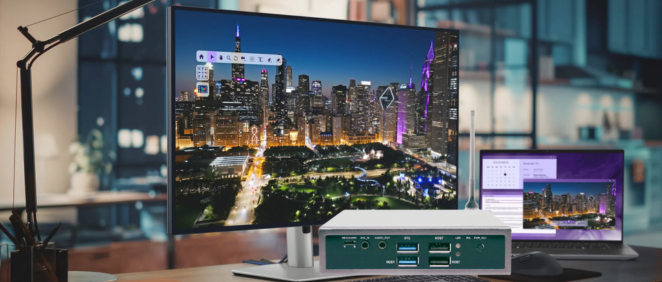
With the transition to 4K Ultra HD as the new standard for visual content, companies are upgrading their digital signage infrastructure to meet growing public expectations. Whether you operate a single display in a storefront or a nationwide network of commercial displays, choosing the right 4K digital signage player is extremely important. But how do you determine the quality criteria for a player when there is such a wide range of options available on the market?
This article discusses the basic specifications, software considerations, and real-world use cases for top-of-the-line 4K digital signage devices.
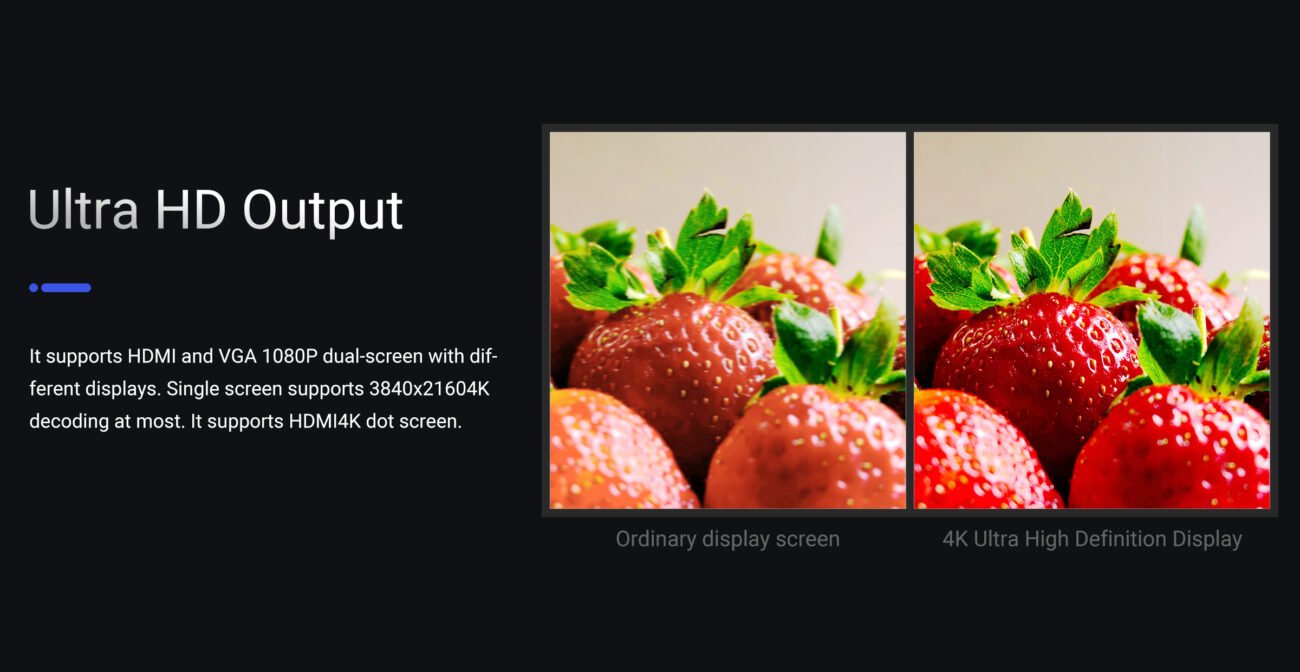
A digital signage player is a media device responsible for rendering and sending multimedia content to a connected screen. A 4K signage player supports playback of 3840×2160 resolution video, images, and interactive elements. It’s commonly used in retail stores, corporate lobbies, hotels, transport hubs, and more.
Unlike standard players, 4K devices require higher-end processing power, improved cooling systems, and advanced output interfaces to ensure smooth content delivery without lag, tearing, or crash errors.
To ensure long-term performance and compatibility with modern content standards, a 4K digital signage player must include:
A reliable 4K player requires a quad-core processor or higher (e.g., ARM Cortex-A55, Intel Celeron, or RK3588). The graphics processing unit (e.g., Mali-G610 or Intel UHD Graphics) must support H.265/HEVC hardware decoding to ensure efficient 4K video playback.
At least 2GB of RAM (4GB or more recommended) and 16GB+ internal storage, with optional SSD or TF card expansion. This prevents performance drops when switching between multiple media formats.
Look for HDMI 2.0 or newer (required for 4K @60Hz), USB 3.0, and Gigabit Ethernet. Optional features like Wi-Fi 6, Bluetooth, or 4G/5G support remote management and content delivery.
Fanless designs are ideal for 24/7 operation in public environments, offering silent running, lower maintenance, and reduced points of failure.
Choose between Mini PC, box PC, or OPS slot-in types based on your deployment environment.
A good 4K signage player is only as effective as its software. Your device should be compatible with:
4K content must be delivered seamlessly to maintain visual appeal. Good players support:
With today’s cloud-centric operations, robust connectivity and content management are non-negotiable:
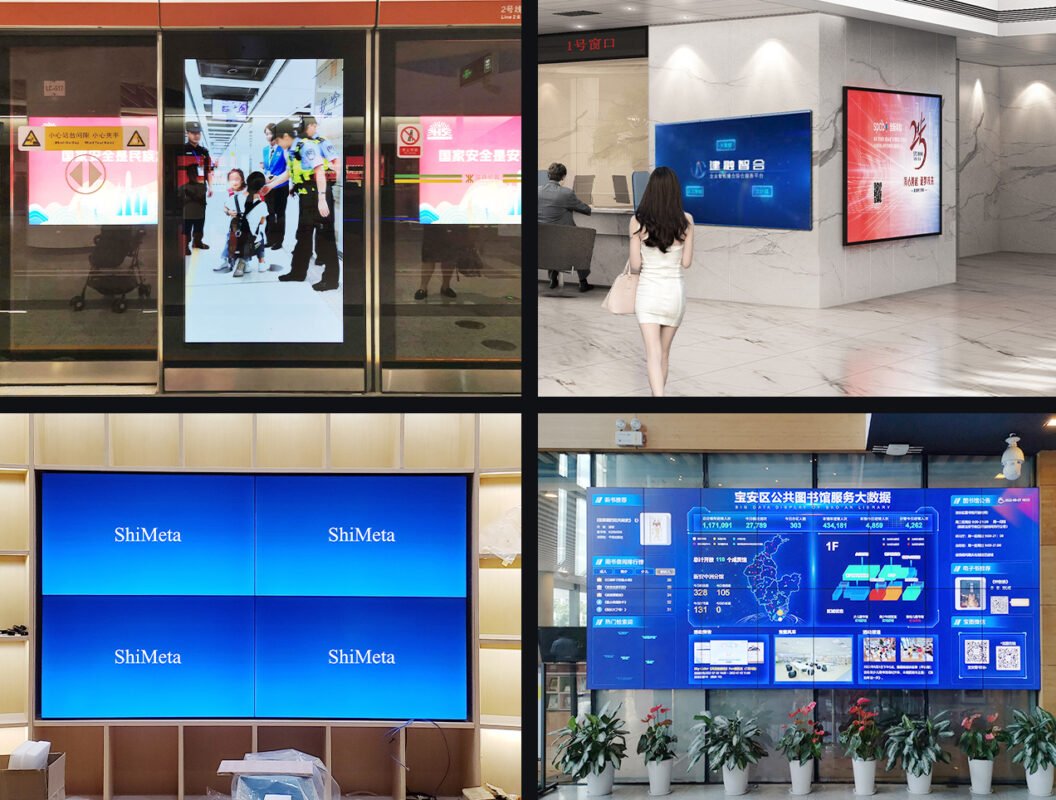
4K signage players find utility across sectors:
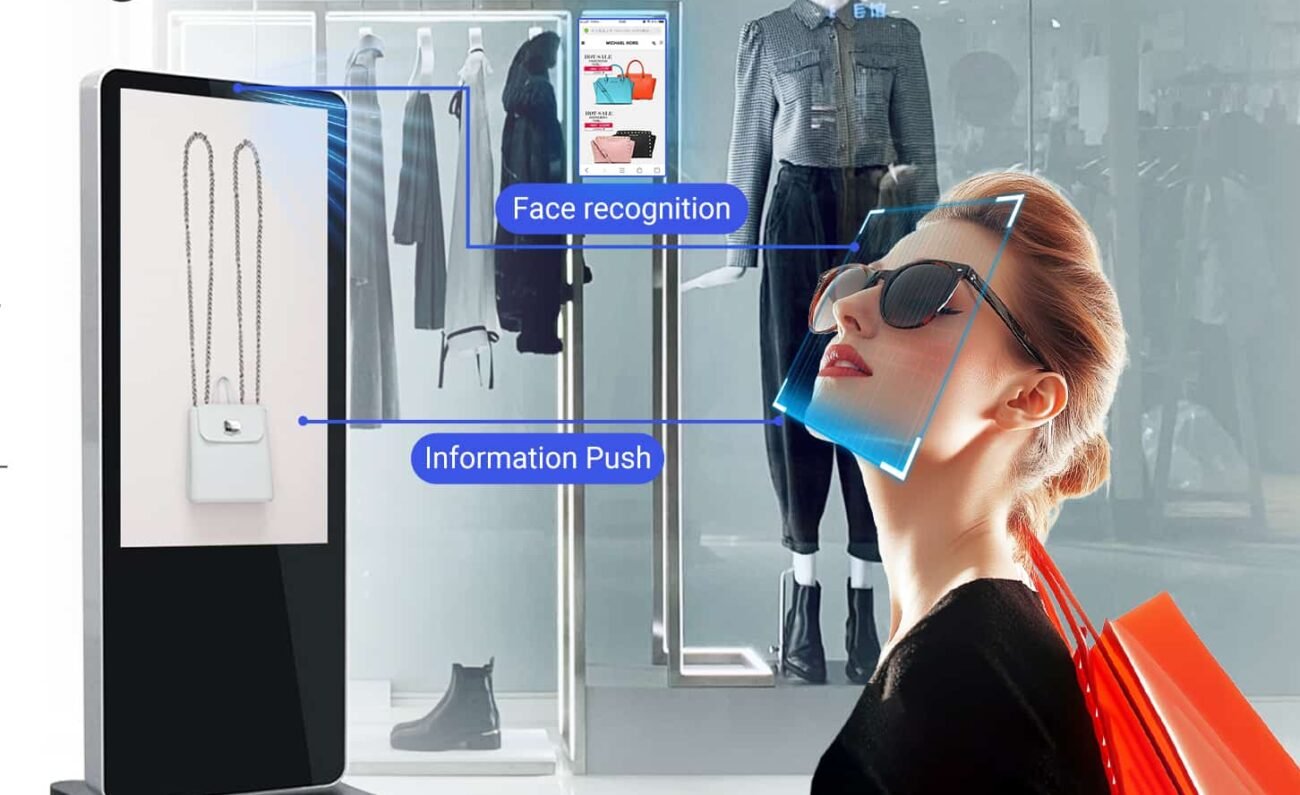
Product advertising, in-store promotions, shelf-level signage, and smart endcaps.
Lobby welcome boards, digital menu displays, wayfinding, and room information.
Departure boards, gate information, security alerts, and live transit updates.
Meeting room screens, hallway signage, training announcements, and emergency broadcast systems.
Each operating system has its strengths:
| OS | Pros | Cons |
| Android | Cost-effective, fast boot, CMS-friendly | Less flexible for complex custom apps |
| Windows | Powerful, enterprise-ready | Higher cost, needs more resources |
| Linux | Stable, customizable, secure | Requires technical skill to manage |
Recommendation: For most 4K signage applications, Android-based digital signage players strike a balance between performance, price, and ease of integration.
Use the following checklist:
The secret to delivering visually attractive and reliable content is choosing the appropriate 4K digital signage player. Pay attention to your particular use case needs, software compatibility, and hardware specifications. Investing in a reputable player will guarantee long-term return on investment, system uptime, and client engagement whether you’re establishing an interactive kiosk network or a retail chain.
 Shimeta
 Shimeta


