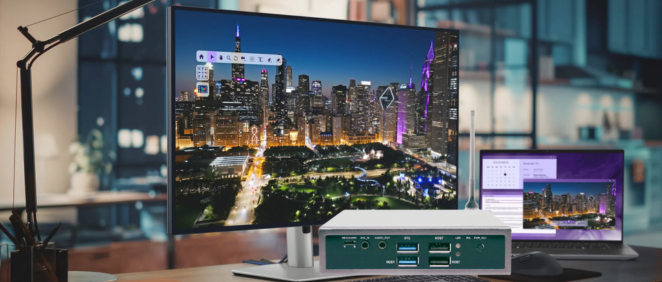
If you’ve walked through any retail store, subway station, or corporate lobby lately, you’ve likely encountered a Digital Signage Player—even if you didn’t know the term. Those dynamic screens displaying promotional videos, menu boards, flight information, and interactive maps are powered by specialized hardware devices called digital signage players.
But what exactly is a digital signage player? How does it work? And why should your business consider investing in one?
In this comprehensive guide, we’ll cover everything you need to know about digital signage players in 2026—from basic definitions to advanced features, helping you understand whether this technology is right for your business.
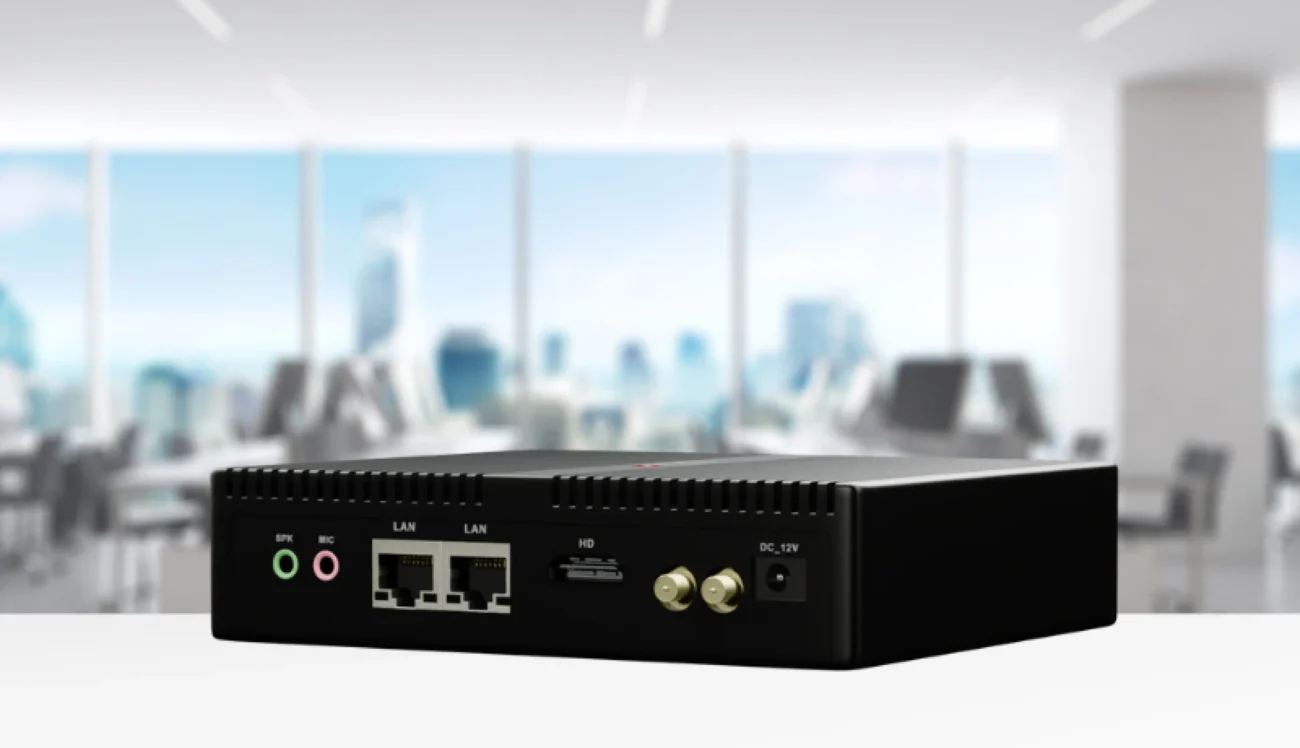
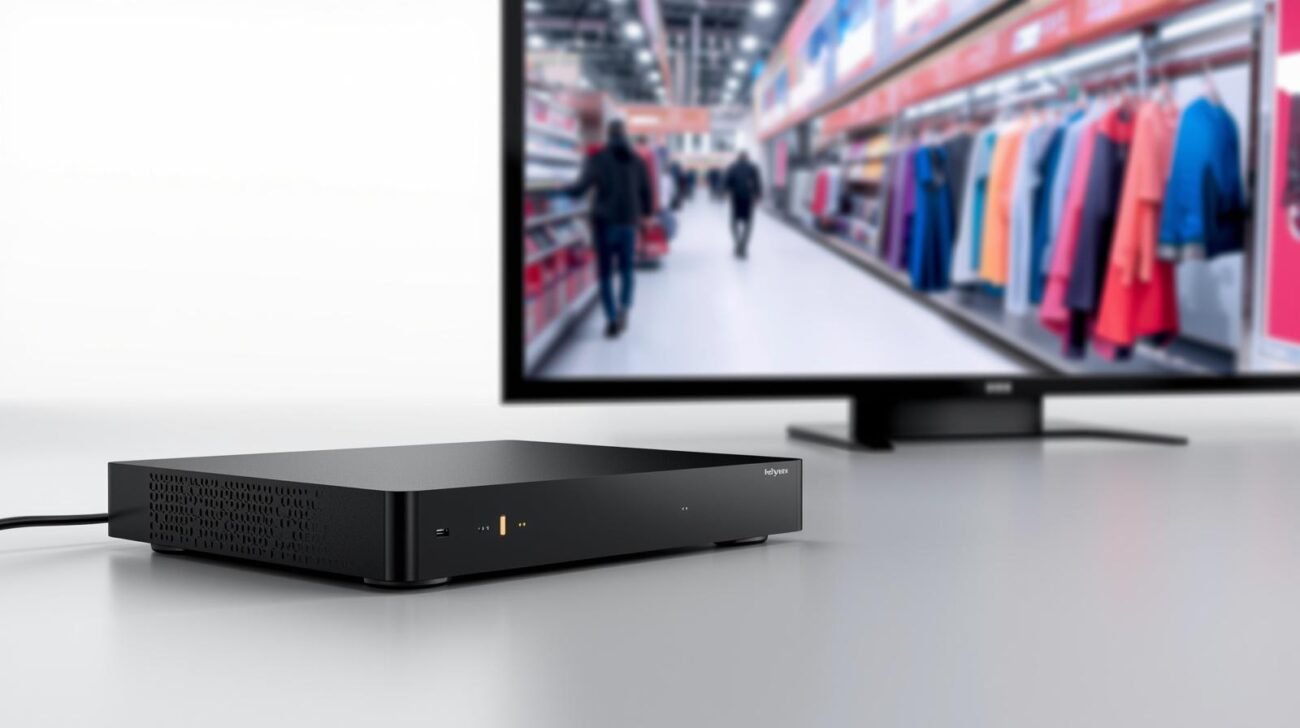
A Digital Signage Player (also known as a digital signage media player or signage box) is a dedicated computing device that stores and plays digital content on electronic displays. It’s the “brain” behind every digital signage network, responsible for fetching, decoding, and displaying content on TVs, LED walls, or professional signage displays.
Think of it as the equivalent of a streaming device (like Roku or Apple TV), but designed specifically for commercial-grade digital signage applications with features like:
Understanding the operation cycle helps appreciate why digital signage players are essential for modern businesses.
Cloud Content Management System → Network → Digital Signage Player → Display
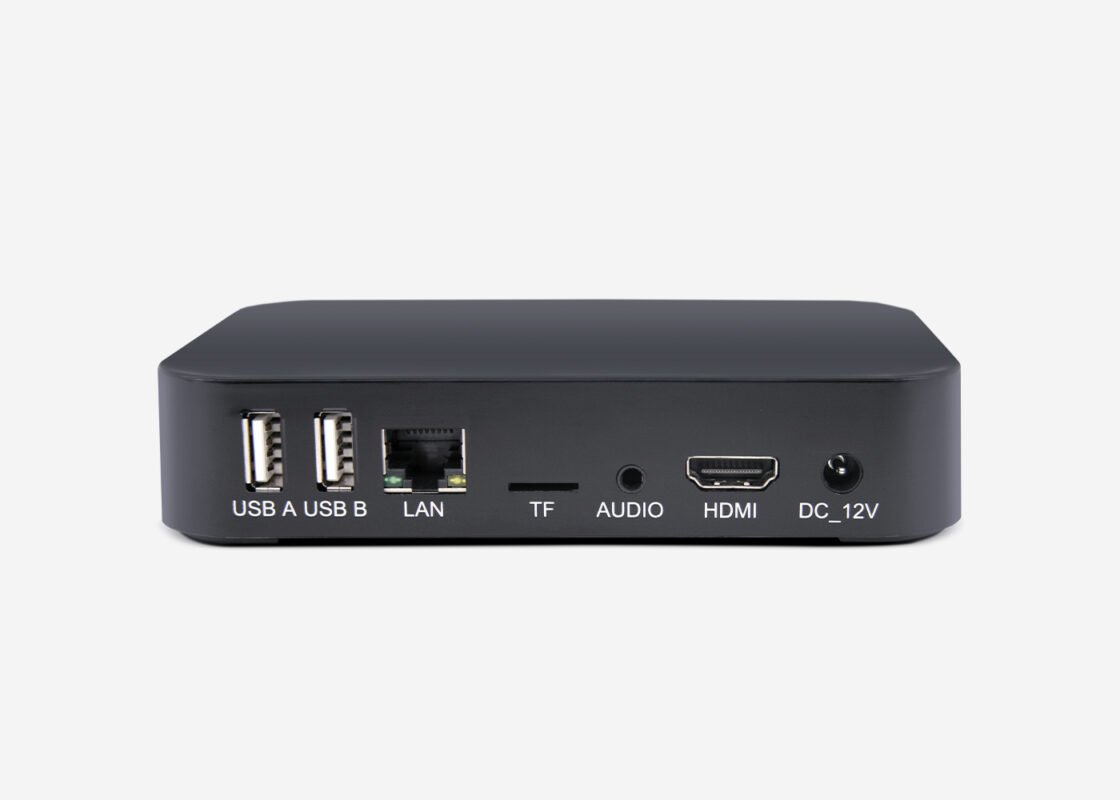
Understanding the different types helps you choose the right solution for your needs.
| Type | Description | Best For |
|---|---|---|
| Stick Players | Compact, HDMI-dongle style | Small installations, temporary displays |
| Box Players | Desktop-style, fanless design | Retail, corporate, most commercial applications |
| OPS Players | Open Pluggable Specification | Integration with professional displays |
| System-on-Module (SOM) | Board-level modules for custom integration | Equipment manufacturers, IoT projects |
| OS | Pros | Cons | Best Use Case |
|---|---|---|---|
| Linux | Stable, secure, low resource | Less app compatibility | 24/7 deployments, industrial use |
| Android | Rich app ecosystem, touch support | Security updates vary | Interactive kiosks, smart retail |
| Windows | Maximum software compatibility | Cost, maintenance required | Complex interactive applications |
| Android TV | Built-in Chromecast, smart TV features | Limited commercial features | Quick deployments, SMB |
| Tier | Specifications | Price Range | Recommended For |
|---|---|---|---|
| Entry-Level | Quad-core, 2GB RAM, 1080p | $50-$100 | Small retail, 1-3 screens |
| Mid-Range | Quad-core+, 4GB RAM, 4K | $100-$250 | Chain stores, restaurants |
| High-End | Octa-core, 8GB RAM, 8K | $250-$500 | Control rooms, large venues |
| Industrial | Fanless, wide temp, rugged | $300-$800 | Outdoor, factory, transportation |
When evaluating digital signage players, these features matter most:
| Interface | Purpose |
|---|---|
| HDMI 2.0/2.1 | Primary video output |
| USB 3.0 | Storage, peripherals |
| Gigabit Ethernet | Reliable network connection |
| Wi-Fi 6 | Flexible wireless deployment |
| 4G/5G Module | Mobile/remote locations |
| RS232/RS485 | Industrial control integration |
| GPIO | Sensors, switches |
Modern digital signage players should offer:
You might wonder: “Why can’t I just use a Amazon Fire TV Stick or Raspberry Pi?”
The short answer: You can, but it’s not recommended for business use.
| Feature | Consumer Devices | Commercial Digital Signage Players |
|---|---|---|
| Runtime | Hours (designed for TV watching) | 24/7 continuous operation |
| Failure Rate | Higher (not built for commercial use) | Low MTBF (50,000+ hours) |
| Remote Management | Limited or none | Full cloud management |
| Warranty | 1 year typical | 2-3 years standard |
| Heat Dissipation | Consumer-rated | Industrial-grade thermal design |
| Security Updates | Inconsistent | Regular patches |
| Support | Community forums | Professional technical support |
Bottom Line: For business-critical digital signage, commercial-grade players deliver significantly better reliability, manageability, and total cost of ownership.
| Brand | Known For |
|---|---|
| BrightSign | Enterprise-grade, robust software |
| Samsung Smart Signage | Integrated display solutions |
| IAdea | Industrial-grade, fanless designs |
| SelenTek | Cost-effective, reliable |
| ShiMeta Device | AIoT integration, edge computing |
| Giada | Compact, retail-focused |
Understanding the true cost helps with budgeting and ROI calculations.
| Category | Price | Typical Use |
|---|---|---|
| Basic | $50-$100 | Small business, 1-3 screens |
| Professional | $100-$250 | Most commercial applications |
| Enterprise | $250-$500 | Large deployments, advanced features |
| Industrial | $500-$1000+ | Harsh environments, mission-critical |
| Cost Type | Budget Option | Premium Option |
|---|---|---|
| Hardware | $100 | $300 |
| Software (Annual) | $0-$300 | $300-$1000 |
| Installation | $50-$200 | $200-$500 |
| Maintenance (3 Years) | $300+ | $100-$200 |
| Replacement | Likely after 2-3 years | Unlikely within 5+ years |
Recommendation: For most businesses, a mid-range professional player ($150-$250) offers the best balance of cost and reliability.
Popular options include:
Use the guidelines in this article to select an appropriate player
A digital signage player is the foundational hardware that powers modern digital displays—from small retail promotions to massive transportation networks. By understanding what they do, the types available, and key features to evaluate, you’re better equipped to make informed decisions for your business.
Whether you’re a small retailer looking to modernize your menu boards or an enterprise deploying thousands of screens across multiple locations, the right digital signage player makes all the difference in delivering compelling visual experiences.
 Shimeta
 Shimeta
 Shimeta
 Shimeta