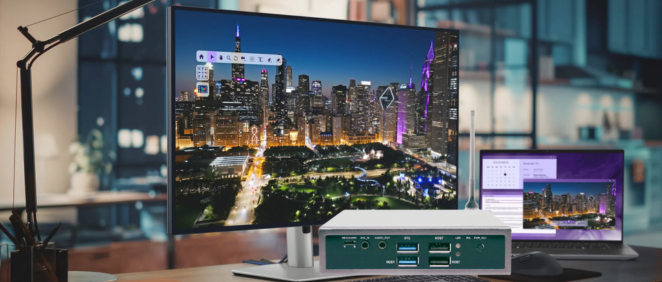
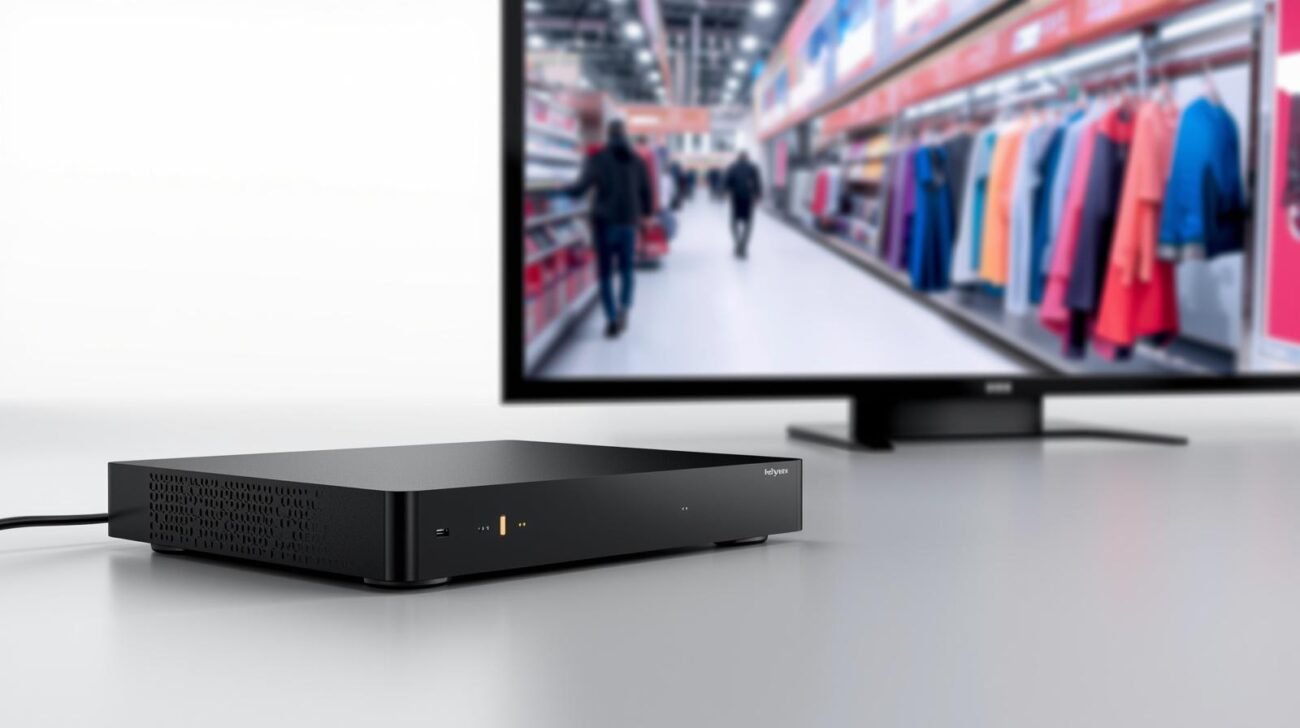
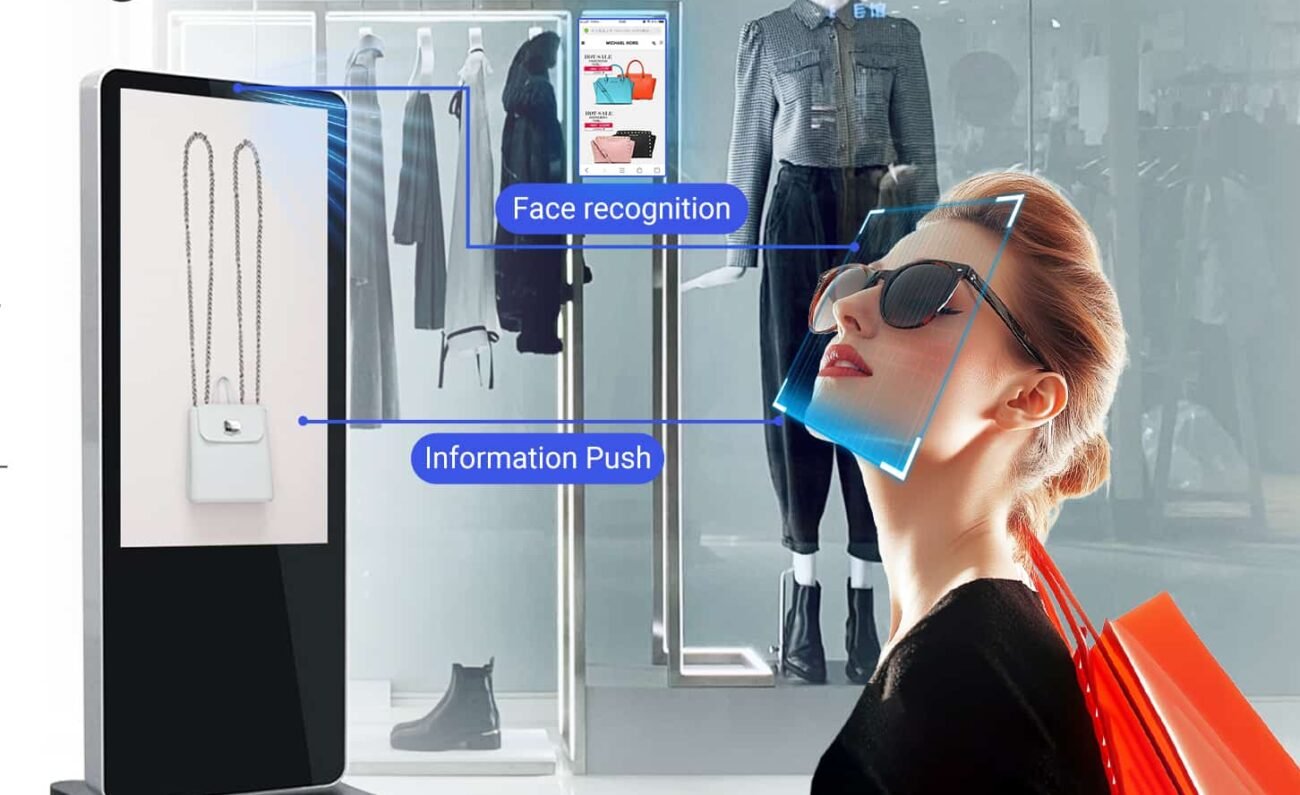
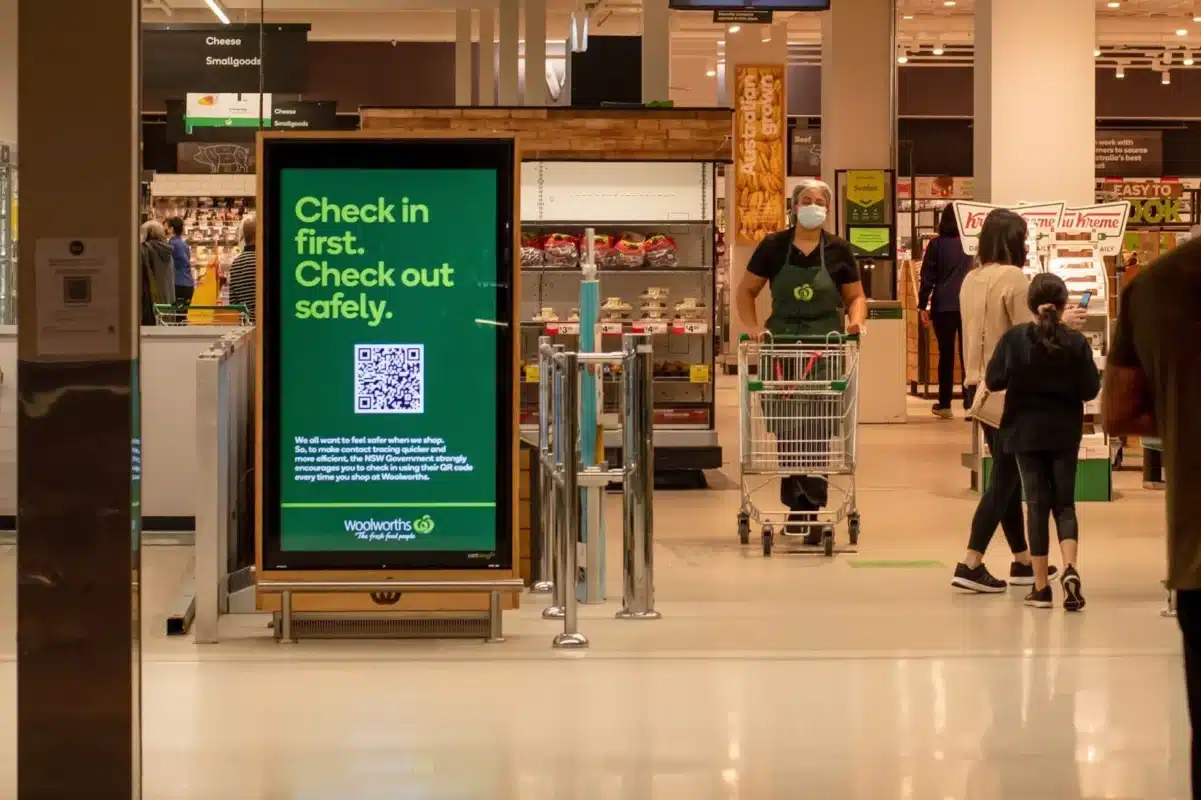
In smart cities, new retail, bank branches, hospital reception areas, hotel lobbies, and other scenarios, Digital Signage has become the core carrier for information delivery and brand display. And the “heart” of digital signage is the Digital Signage Player.
This article will provide a detailed analysis of the key points for selecting a digital signage player and help you understand how motherboard specifications affect the overall solution’s cost, stability, and scalability.
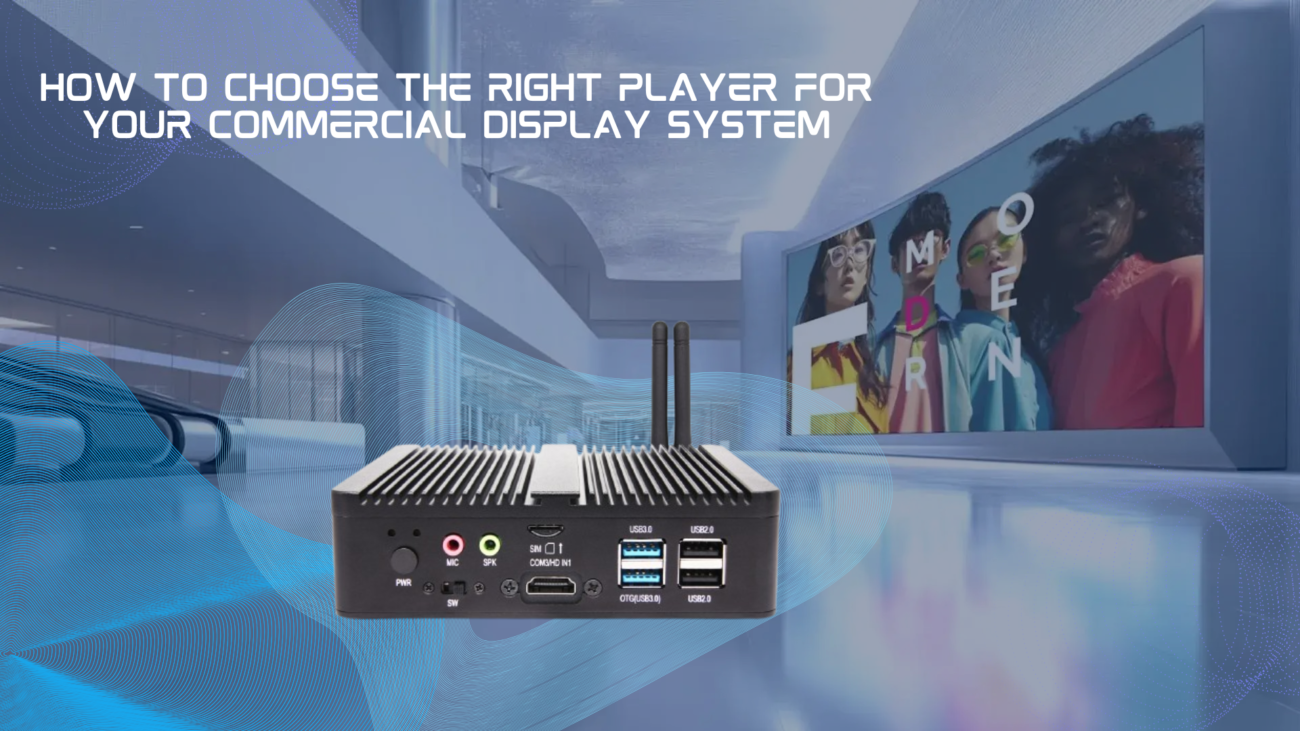
A digital signage player is a dedicated hardware device for driving commercial display screens, with core functions including:
Unlike regular PCs, digital signage players require high stability, low power consumption, and compact size, making motherboard selection crucial.
| Resolution | Decoding Requirements | Recommended Config |
|---|---|---|
| 1080P Single Screen | Entry-level | Dual-core + 2GB RAM |
| 4K Single Screen | Mid-range | Quad-core + 4GB RAM |
| Multi-screen 4K Splicing | High-end | Hexa/Octa-core + 8GB RAM + GPU |
ShiMeta digital signage players support 4K@60Hz hardware decoding and are compatible with major content management software.
Digital signage needs to connect various display screens, and interface compatibility is key:
| Interface | Features | Application Scenario |
|---|---|---|
| HDMI | Strong universality, supports 4K | Mainstream choice |
| LVDS | Common for traditional industrial screens | Industrial embedding |
| eDP | Thin notebook screen solution | Ultra-thin devices |
| VGA | Legacy display | Legacy device upgrade |
| DP | High bandwidth, multi-screen splicing | Professional solutions |
ShiMeta players support HDMI+LVDS+eDP multi-display output and can drive two screens simultaneously for dual-display.
Commercial digital signage typically runs continuously throughout the year with demanding hardware requirements:
ShiMeta’s full range of digital signage players uses industrial-grade Mini-ITX motherboards, supporting -20°C~70°C wide temperature range with MTBF over 50,000 hours.
Digital signage players are typically installed in:
| Installation Method | Space Requirements | Recommended Spec |
|---|---|---|
| Wall-mounted / Bracket | Compact, hidden behind screen | Mini-ITX (170×170mm) |
| Standing all-in-one machine | Medium space | Micro-ATX |
| Server rack | Ample space | ATX or 1U embedded |
Mini-ITX has become the mainstream specification for digital signage players due to: compact size, low power consumption, low heat generation, and good compatibility.
Modern digital signage needs to support:
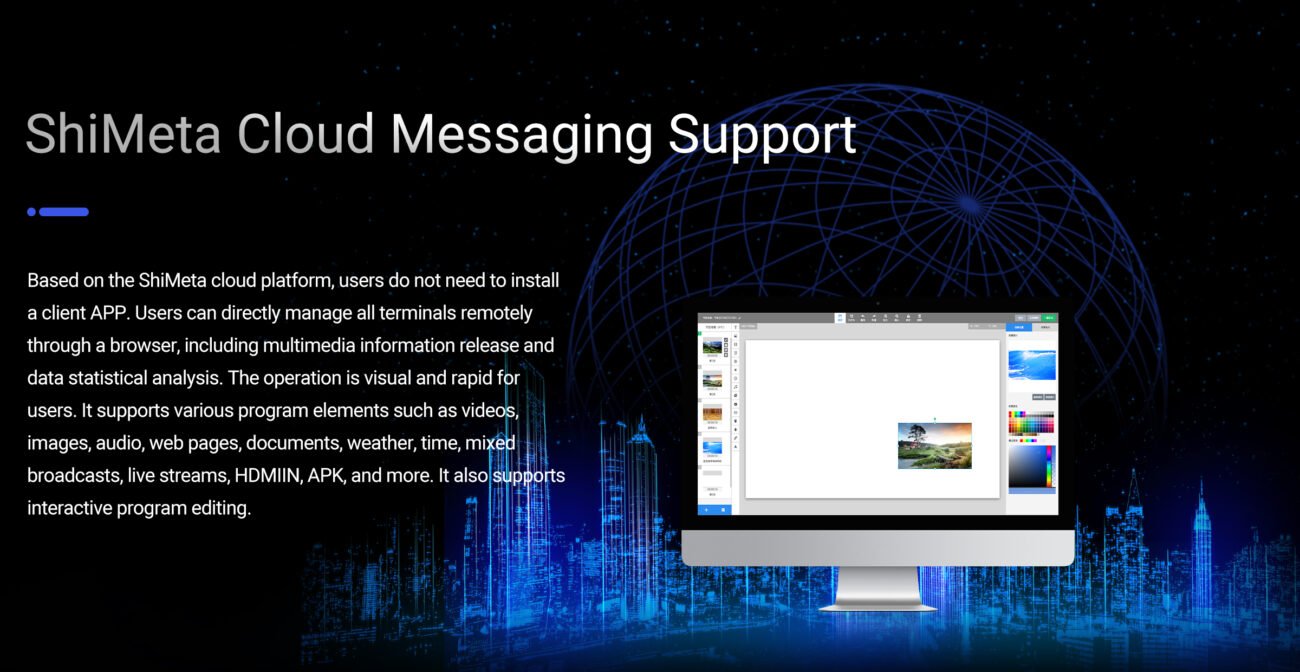
ShiMeta provides a comprehensive digital signage management cloud platform supporting device group management, program scheduling, and real-time monitoring, improving operation efficiency by 70%.
Digital signage projects typically have a 3-5 year operating cycle, making hardware supplier stability crucial:
ShiMeta provides at least 5-year supply commitment and supports interface customization, LOGO silk screen, and BIOS customization to meet differentiated customer needs.
Combined with the Industrial Motherboard Selection Guide, here’s the applicability of three specifications in digital signage scenarios:
| Specification | Advantages | Disadvantages | Recommended Scenarios |
|---|---|---|---|
| Mini-ITX | Compact, low power, fanless, stable | Limited expansion | Best Choice: Wall-mounted signage, delivery cabinets, reception screens |
| Micro-ATX | Good expansion, cost-effective | Slightly larger | Medium-large all-in-one machines, gate screens |
| ATX | Multiple expansion slots | Large size, high cost | Rarely used, only large server rooms |
Key Insight: For over 90% of digital signage scenarios, Mini-ITX motherboard is the best choice.
| Capability | Description |
|---|---|
| Industrial Quality | Mini-ITX motherboard, wide temperature design, 7×24 hour operation |
| Powerful Decoding | Supports 4K@60Hz hardware decoding, H.265/H.264/VP9 |
| Multi-screen Dual Display | HDMI+LVDS+eDP multi-output, adaptable to various screens |
| Plug and Play | Pre-installed digital signage system, play upon power-on |
| Cloud Management | Supporting SaaS platform, easier remote operation |
| Flexible Customization | Interface, appearance, system customization |
| Your Needs | Recommended Config |
|---|---|
| Store window / Elevator advertising (single 1080P) | Entry-level Mini-ITX |
| Bank branch / Hospital reception (4K single or dual screen) | Mainstream 4K model |
| Shopping mall atrium / Exhibition hall (multi-screen splicing) | High-end model + splicing solution |
| Outdoor advertising (wide temperature requirements) | Industrial wide-temperature model |
Challenge: A national chain convenience store brand needed to display promotional content across 500+ locations. Traditional solutions required manual updates at each store, costing significant time and labor.
Solution: Deployed MBOX-40A players with ShiMeta cloud platform at all locations.
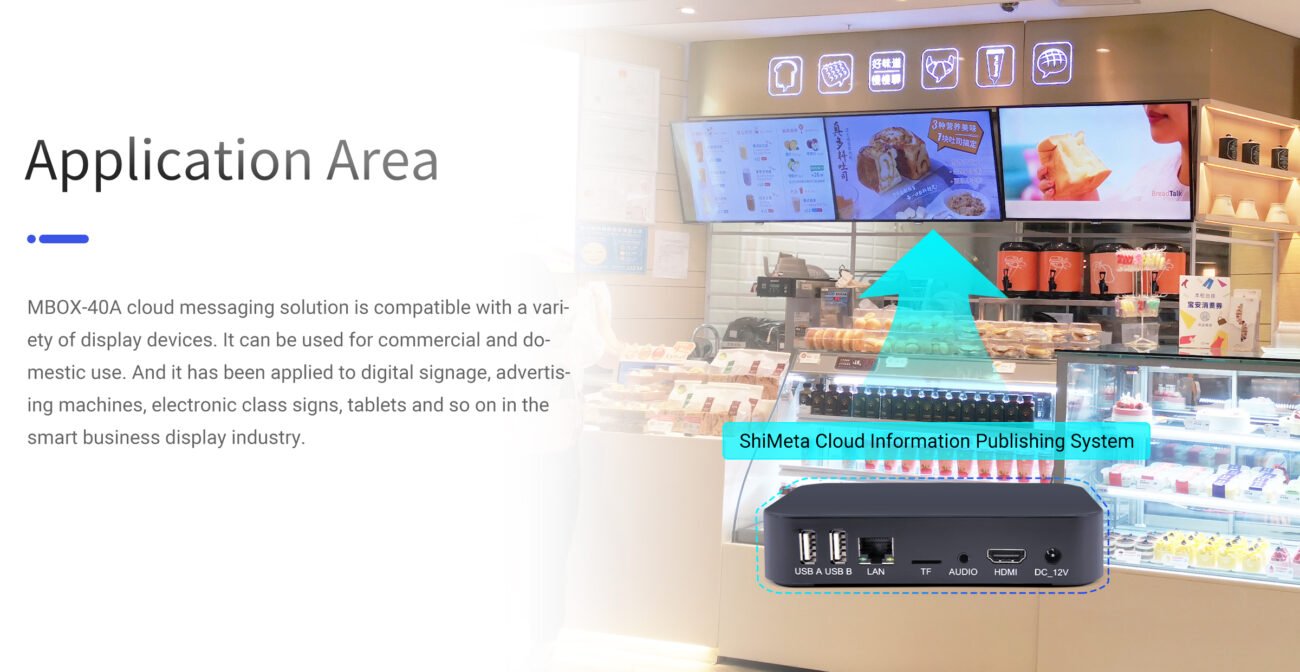
MBOX-40A Digital Signage PlayerResults:
Challenge: A commercial bank needed to display queue numbers and promotional content simultaneously on two separate screens, but wanted to avoid the cost of two separate devices.
Solution: Deployed AIBOX-3568A with dual HDMI outputs, running two different content streams.
Digital Signage in Retail StoreResults:
Challenge: A large hospital needed to display doctor schedules, queue information, and health education content across multiple floors and departments.
Solution: Deployed AIBOX-3568A players across 30+ display points with centralized cloud management.
Results:
Challenge: A premium shopping mall wanted a stunning 4K display in the central atrium for brand advertisements and event promotions.
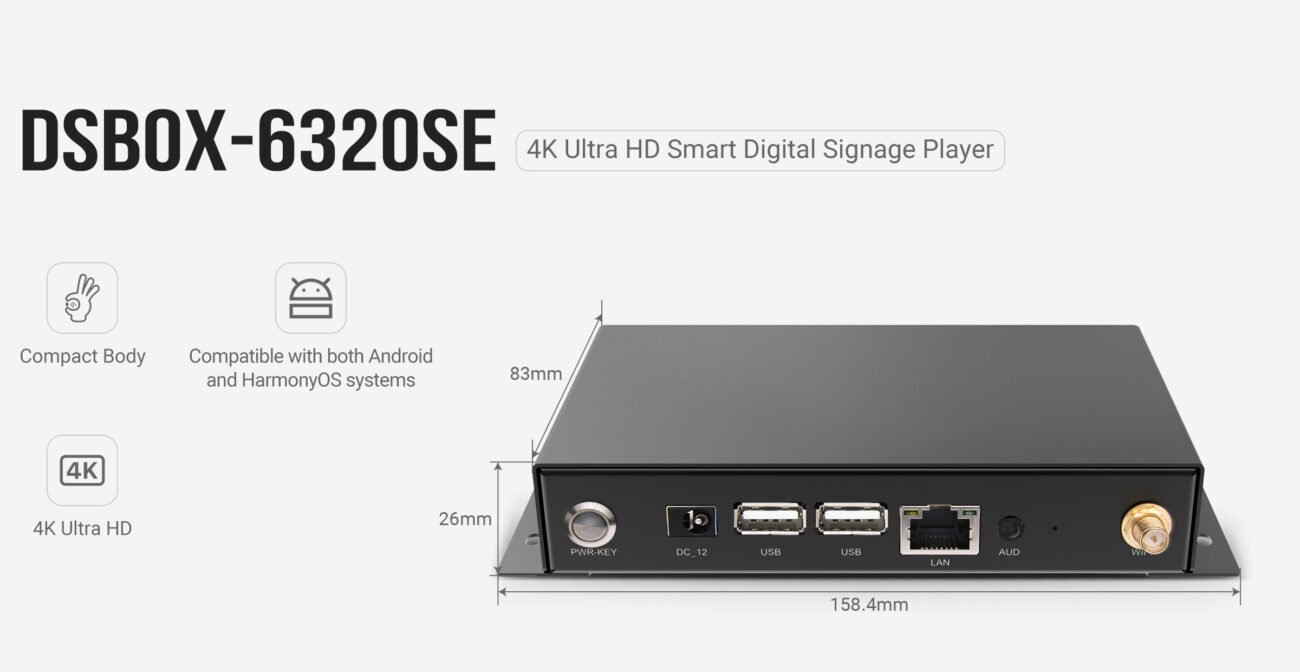
Solution: Deployed DSBOX-6320SE players with 4K@60Hz output and OpenHarmony system for stable, high-quality playback.
DSBOX-6320SE Digital Signage PlayerResults:
The core of digital signage player selection is “matching”:
Choosing a supplier with industrial background, customization capability, and long-term service is the key to project success.
Regular PCs are consumer-oriented and designed for personal use. They are not built for 7×24 hour continuous operation and lack the reliability features needed for commercial environments. Shimeta digital signage players use industrial-grade components with MTBF (Mean Time Between Failures) over 50,000 hours, designed specifically for demanding commercial display applications.
Our players are compatible with most major digital signage CMS software, including:
Yodeck
Screenly
SignageOS
NoviSign
ViewTV
Plus various domestic Chinese signage platforms
We also offer SDK for custom software development. Contact our technical team for specific software compatibility testing.
Standard models are designed for indoor use (-10°C to 50°C). For outdoor or harsh environments, we offer industrial-grade wide-temperature models that support -20°C to 70°C operating range with enhanced protection. Contact us for specific outdoor solutions.
 Shimeta
 Shimeta
 Shimeta
 Shimeta
 Shimeta