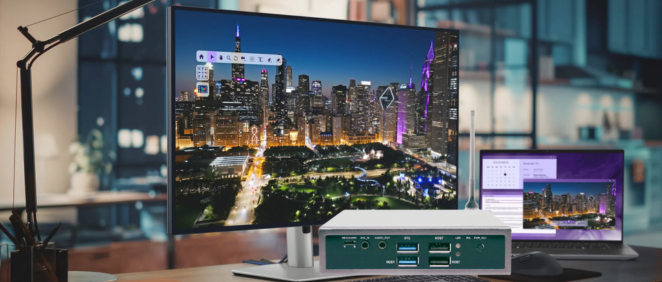
Digital signage has become an essential communication tool for retail stores, restaurants, hotels, transportation hubs, corporate offices, and public spaces. From advertising displays and interactive kiosks to information screens and smart retail solutions, businesses increasingly rely on digital signage systems to deliver dynamic content and improve customer experiences.
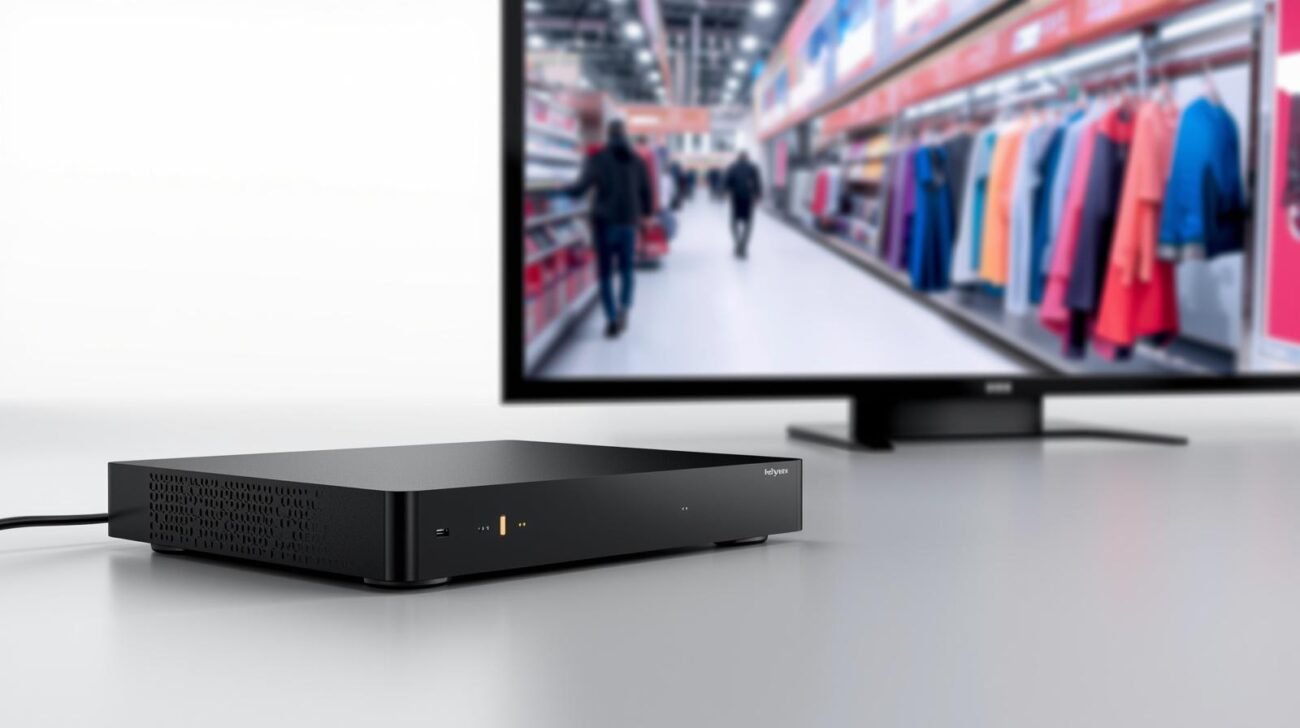
At the center of every digital signage system is the digital signage player — the hardware device responsible for processing, managing, and displaying multimedia content on commercial screens.
However, choosing the right digital signage player is not as simple as selecting a device with basic video playback capabilities. Commercial applications require higher reliability, stronger performance, longer lifecycle support, and compatibility with different software platforms.
Unlike consumer media players designed for home entertainment, commercial digital signage players are built for 24/7 operation, remote management, customized deployment, and large-scale business applications.
This guide explains the key factors to consider when selecting a commercial digital signage player, including hardware performance, operating systems, display capability, reliability, and OEM customization options.
Many businesses initially consider using consumer devices such as TV boxes, mini PCs, or general-purpose computers for digital signage. However, these solutions often face limitations in commercial environments.
A professional commercial digital signage player is designed specifically for:
Retail stores, airports, hotels, and public displays often operate continuously throughout the day.
Commercial players are designed with:
This reduces downtime and maintenance costs.
Large-scale digital signage deployments require centralized control.
Professional digital signage players support:
This allows businesses to manage hundreds of screens from a single platform.
Unlike consumer electronics that change quickly, commercial projects require stable hardware platforms.
A reliable digital signage solution should provide:
This is especially important for OEM customers and system integrators.
The processor is one of the most important factors when selecting a digital signage player.
Different applications require different performance levels.
Suitable for:
Typical requirements:
For applications requiring:
higher-performance hardware is recommended.
Important specifications include:
A powerful CPU ensures smooth content playback and multitasking.
Common platforms include:
RAM affects system responsiveness, while storage determines how much local content can be stored.
Recommended:
For commercial deployments, eMMC storage is often preferred because it provides better stability compared with standard consumer storage solutions.
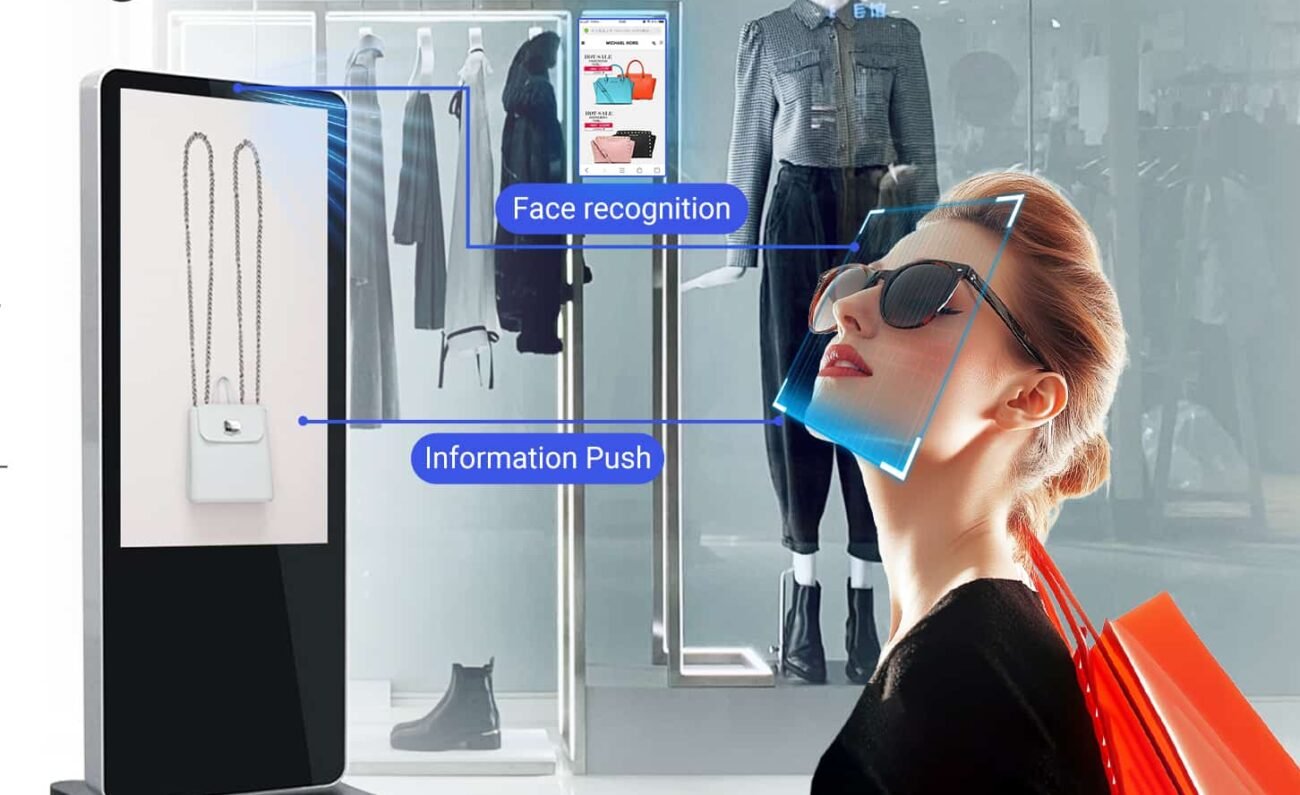
With the growth of smart retail and intelligent displays, many digital signage systems now integrate AI functions.
An AI Box PC or AI-enabled digital signage player can support:
This enables digital signage systems to become intelligent business tools rather than simple display devices.
The operating system determines software compatibility, flexibility, and maintenance requirements.
Android is one of the most popular choices for commercial digital signage.
Advantages:
Suitable applications:
An Android digital signage player is especially suitable for businesses looking for scalable and affordable solutions.
Linux-based systems are commonly used in industrial applications.
Advantages:
Suitable for:
Windows platforms provide strong compatibility with enterprise software.
Advantages:
Suitable for:
Modern commercial displays require higher resolution and better graphics performance.
When selecting a digital signage player, consider:
High-resolution content is increasingly common in:
A suitable player should support:
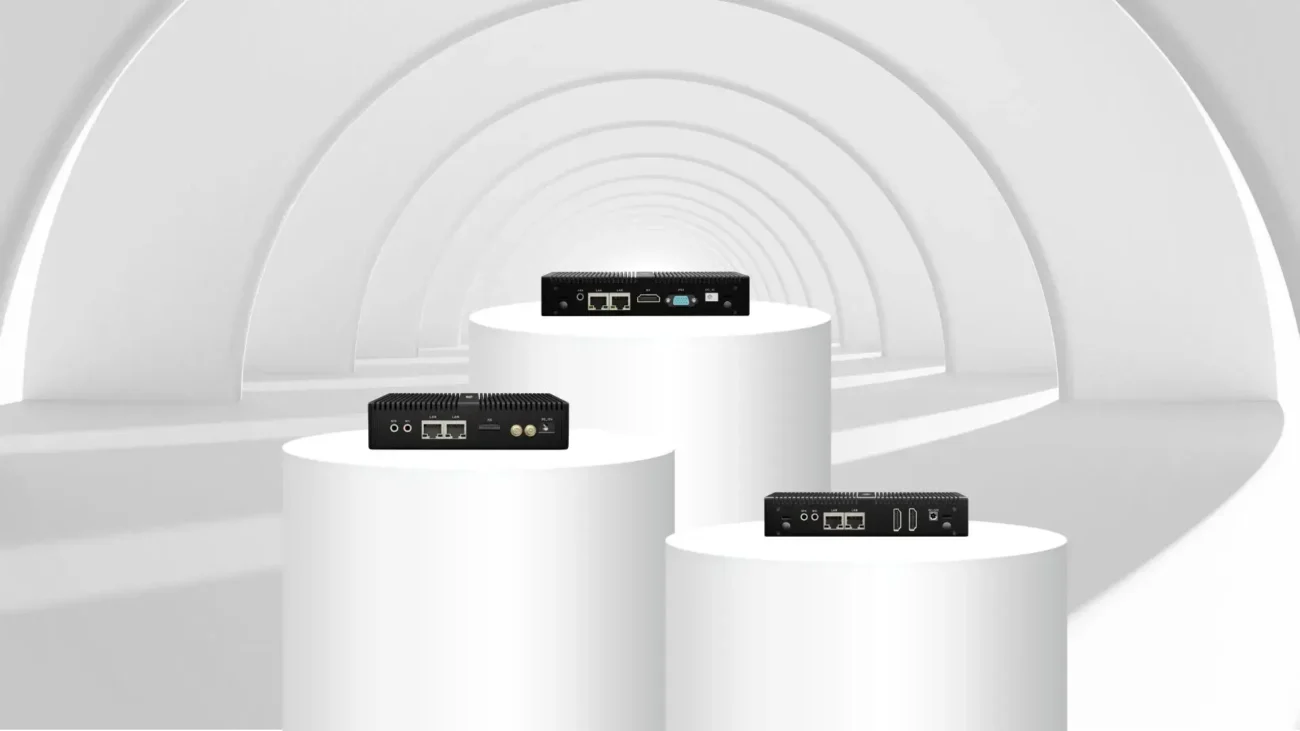
Large projects may require multiple displays from one device.
Examples:
Choose hardware with appropriate display interfaces and GPU capability.
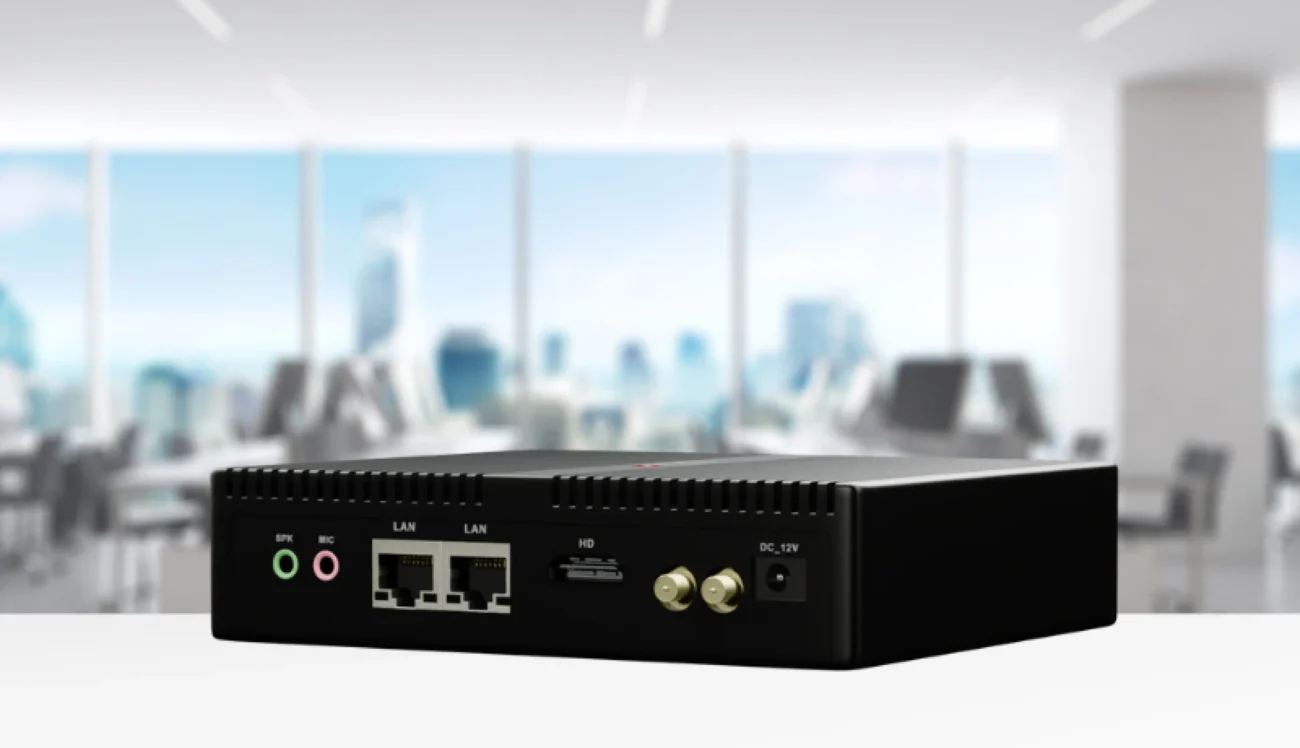
Commercial digital signage applications often require flexible connectivity.
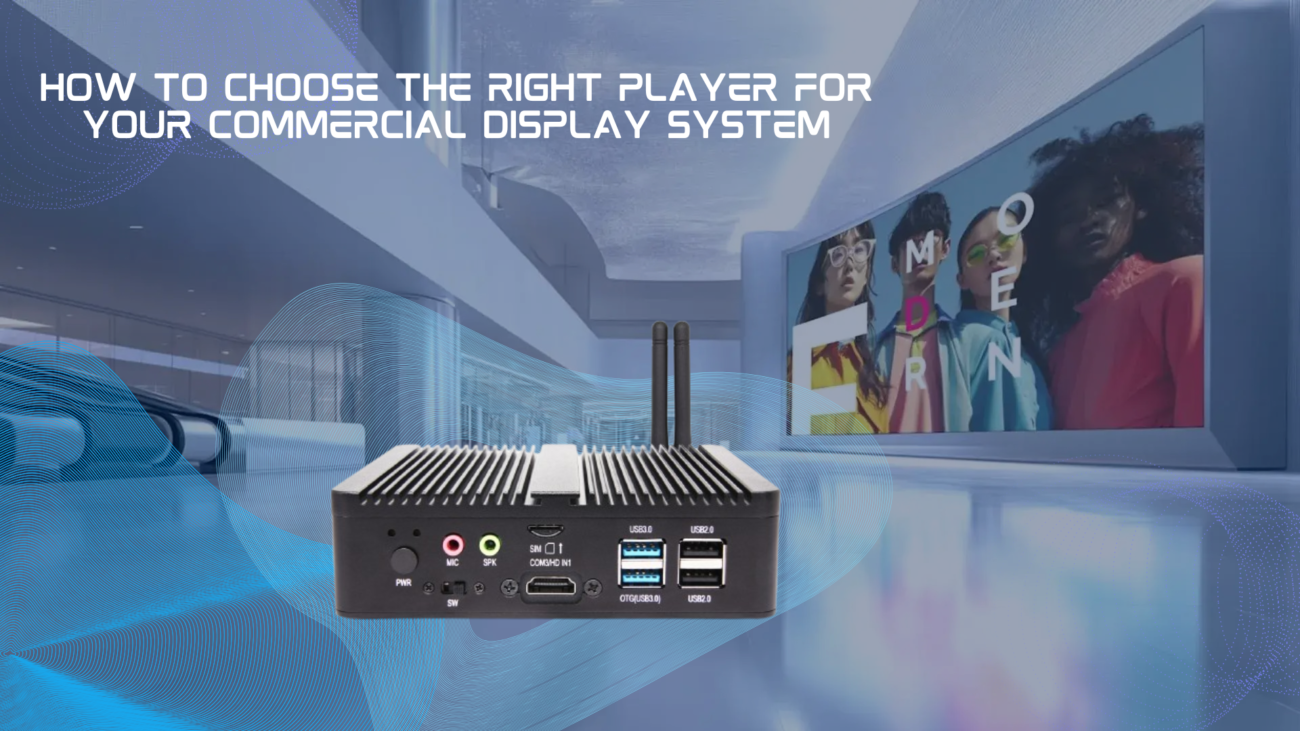
Important interfaces include:
For industrial applications, additional interfaces may be required for integration with:
| Feature | Consumer Media Player | Commercial Digital Signage Player |
|---|---|---|
| 24/7 Operation | Limited | Designed for continuous operation |
| Remote Management | Basic | Professional CMS support |
| Hardware Lifecycle | Short | Long-term availability |
| Customization | Limited | OEM customization available |
| Industrial Applications | Not suitable | Supported |
| Large Deployment | Difficult | Designed for scalability |
For business applications, commercial digital signage hardware provides better reliability and lower total ownership costs.
For system integrators, distributors, and solution providers, standard products may not always meet project requirements.
An OEM digital signage player allows businesses to customize hardware and software according to their applications.
OEM services may include:
OEM solutions are widely used in:
Working with an experienced digital signage manufacturer helps ensure stable supply and long-term project support.
Retail businesses use digital signage players for:
Smart retail solutions can also integrate AI analytics to understand customer behavior.
Restaurants use digital signage systems for:
Reliable hardware ensures smooth operation during busy business hours.
Hotels use digital displays for:
Airports, stations, and public transportation systems require:
Industrial-grade digital signage players are commonly used in these environments.
When selecting a supplier, businesses should consider:
A professional supplier should provide:
Different projects have different requirements.
Look for suppliers that support:
Commercial projects often operate for many years.
A reliable partner should provide:
Choosing the right digital signage player is essential for building a reliable commercial display solution.
The best choice depends on your application requirements, including:
For businesses deploying digital signage systems at scale, commercial-grade hardware provides better stability, flexibility, and long-term value compared with consumer devices.
Whether you need an Android digital signage player, OEM digital signage solution, AI-enabled media player, or industrial computing solution, selecting the right hardware partner is the key to successful deployment.
 Shimeta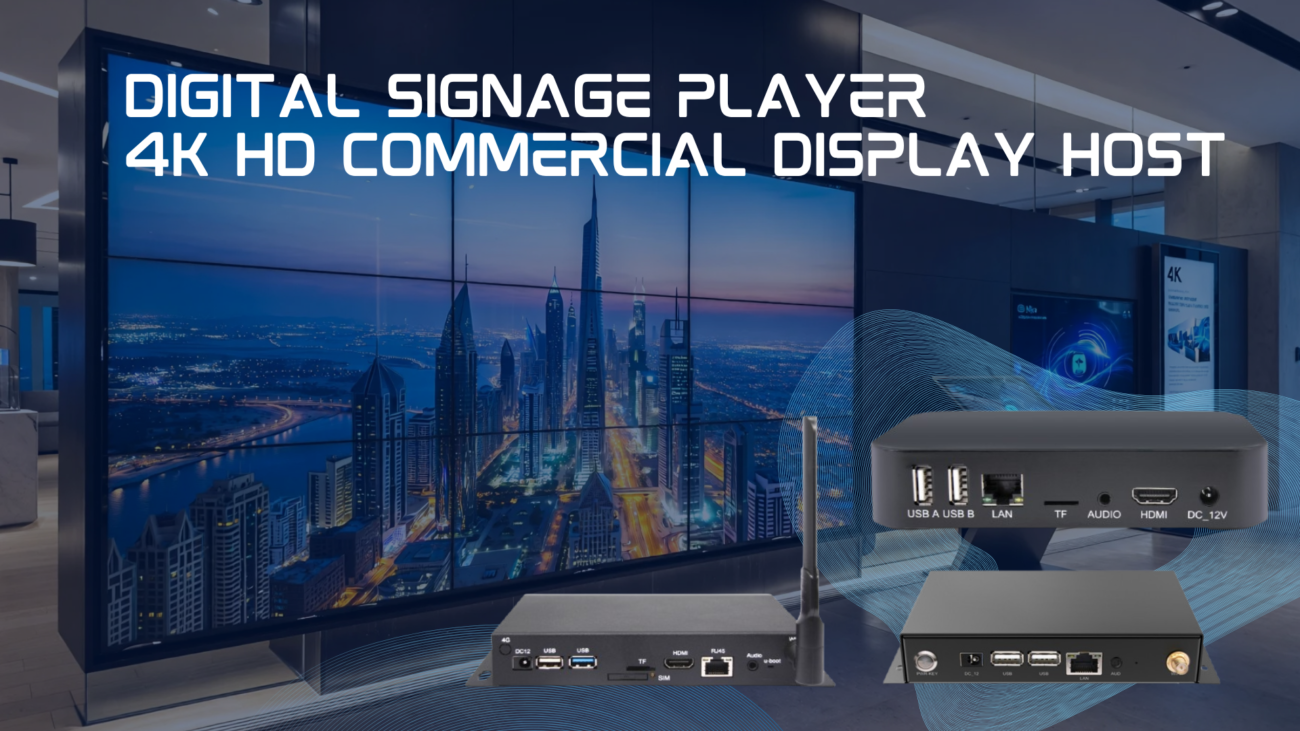
 Shimeta
 Shimeta
 Shimeta
 Shimeta
 Shimeta
 Shimeta