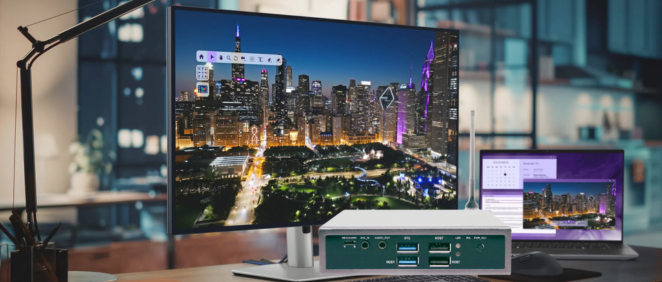
When setting up commercial displays, choosing the right media player is crucial. Many people confuse digital signage players with traditional media players, but they serve very different purposes. This guide breaks down the key differences and helps you choose the right solution.
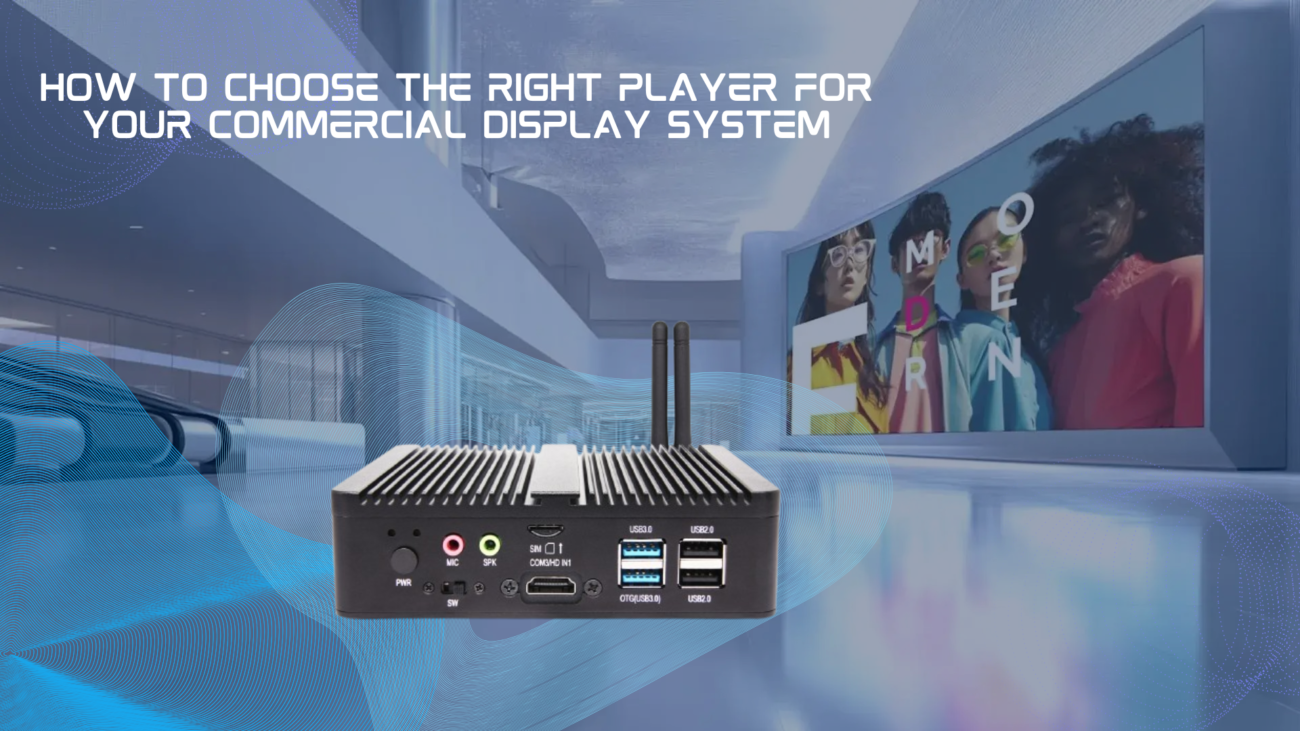
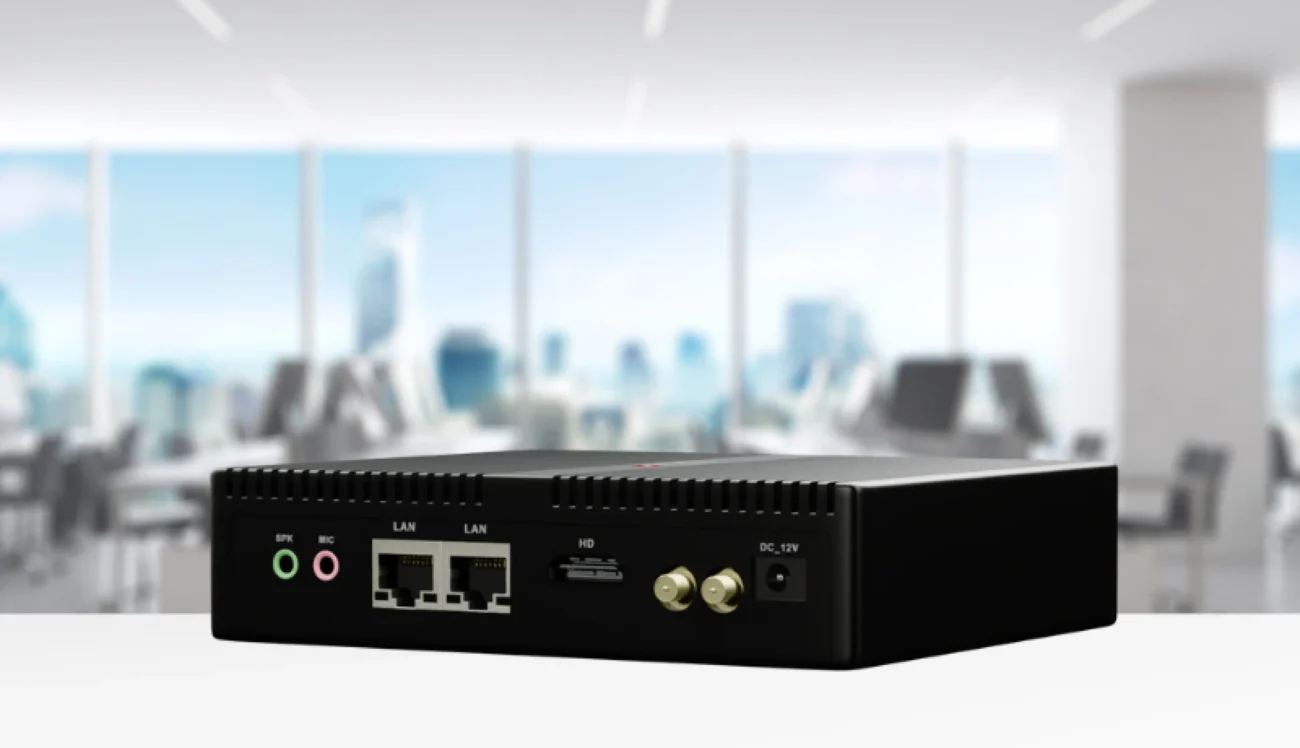
A digital signage player is a specialized computer designed for commercial display networks. It’s built for 24/7 operation, remote management, and dynamic content delivery.
A traditional media player is designed for basic content playback. Think of it as an advanced DVD player or a computer dedicated to playing media files.
| Feature | Traditional Media Player | Digital Signage Player |
| Operating Hours | Limited (4-8 hrs/day) | 24/7 continuous |
| Remote Management | Basic or none | Full cloud control |
| Scheduling | Simple timers | Complex playlists |
| Multi-screen | Manual operation | Centralized control |
| Content Updates | Manual (USB/SD) | Instant over network |
| Interactivity | Limited | Touch, sensors, AI |
| Analytics | None | Full metrics |
| Reliability | Consumer-grade | Commercial/industrial |
Traditional Media Player: Not designed for continuous operation. Overheats and fails after 4-8 hours daily use.
Digital Signage Player: Built for 24/7/365 operation. Industrial-grade components for reliable commercial use.
Why it matters: Retail stores, restaurants, and corporate lobbies need displays running continuously. Consumer devices simply can’t handle this.
Traditional approach:
Digital signage approach:
Example: A retail chain with 100 stores can update promotional content across all locations in minutes—something impossible with traditional media players.
Digital signage players offer powerful scheduling features:
Real-world scenario:
Creating synchronized video walls or multi-zone displays is nearly impossible with traditional media players but effortless with digital signage solutions.

Bottom line: While digital signage players cost more upfront, they save significant time and money in the long run through automation and reliability.
Traditional Media Player:
Digital Signage Player:
Traditional approach:
Digital Signage:
Traditional:
Digital Signage:
Our Advantages:
Compare Our Models:
While traditional media players work for simple, basic playback needs, digital signage players are purpose-built for commercial applications. They offer:
For any business serious about digital displays, investing in a proper digital signage player is the smart choice.
While possible, we don’t recommend it. Consumer devices aren’t designed for 24/7 commercial use, lack remote management features, and have higher failure rates in business environments.
Most players support 1-2 displays directly. For video walls or many screens, we recommend our networked solution with multiple players.
Not at all. Our players come pre-configured with our cloud platform. Simply connect to a display and the internet, then manage from any browser.
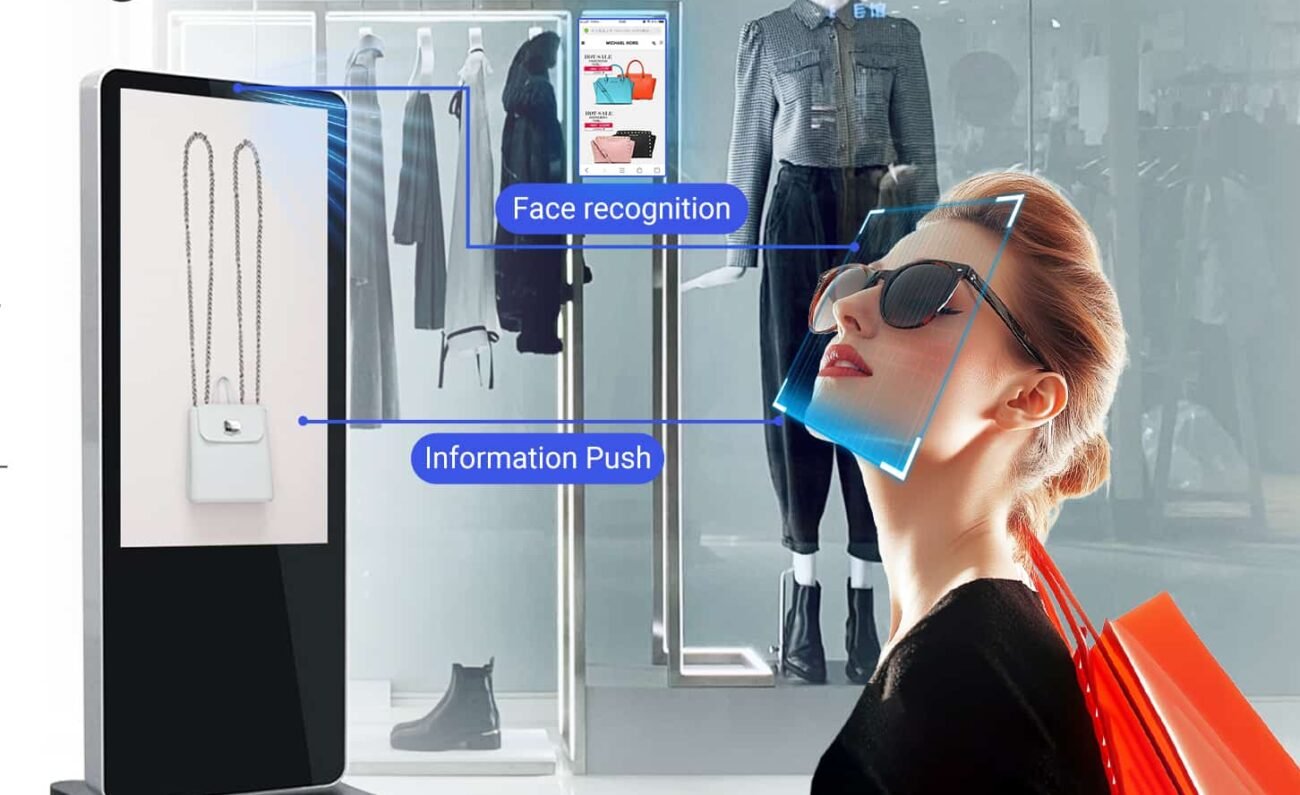
Digital signage players support touch screens, sensors, and even AI-powered interactions. Traditional media players cannot handle these features.
 Shimeta
 Shimeta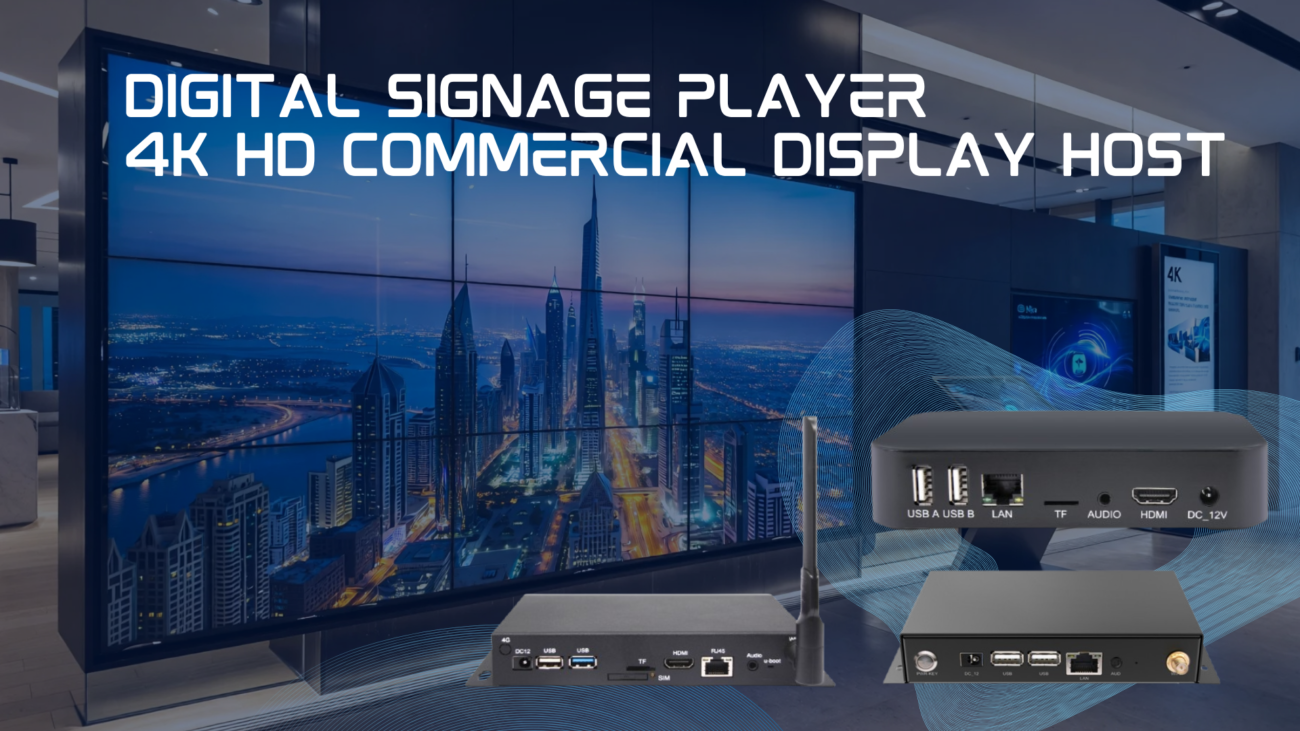
 Shimeta
 Shimeta
 Shimeta
 Shimeta
 Shimeta