


In the era of Industry 4.0, Industrial Panel PCs are no longer an optional extra, but have become essential tools for automating production plants, displaying real-time data, and controlling machines and industrial human-machine interface (HMI) systems. Whether installed directly on production lines, used in laboratories, or exposed to harsh outdoor conditions, these rugged computing devices can handle even the most demanding conditions.
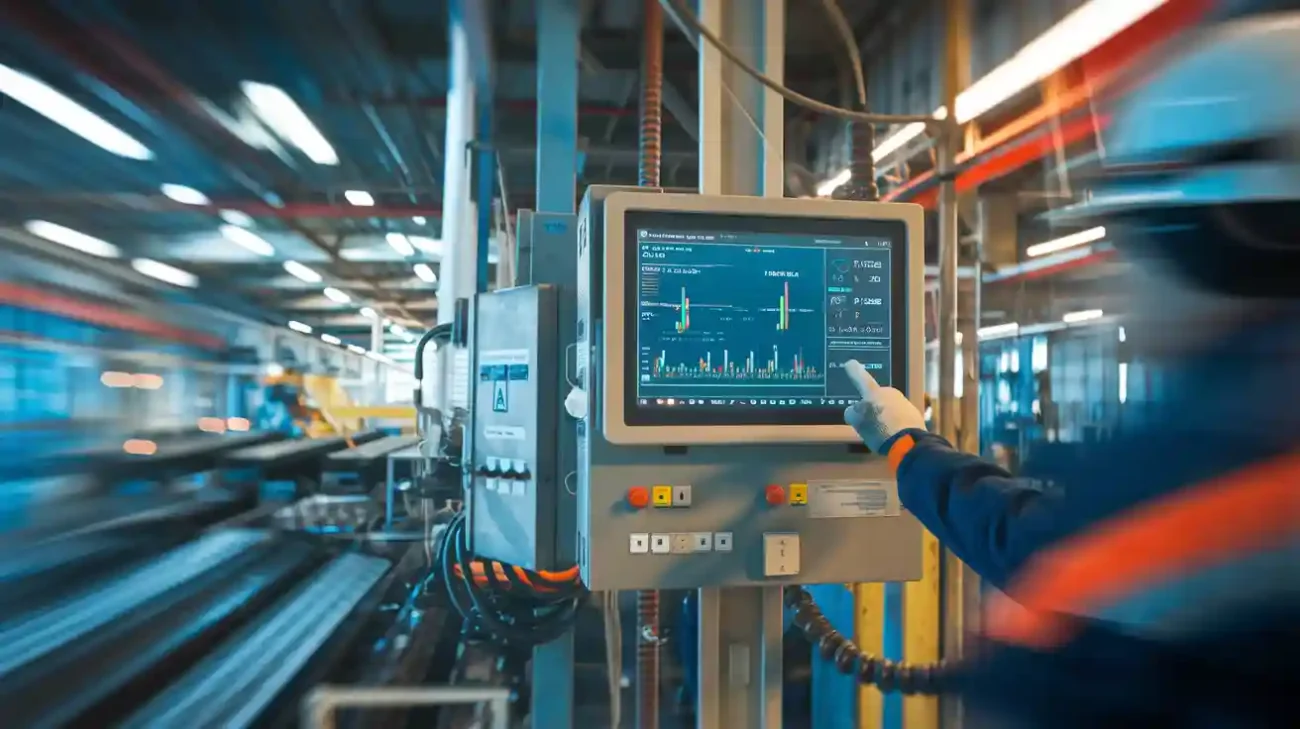
However, even the most rugged tablets require regular maintenance. Neglecting proper maintenance leads to reduced performance and reliability, and even unexpected failures. In other words, careful maintenance of industrial tablets as important assets effectively reduces costly downtime, extends the life of the devices, and ultimately protects your investment in the long term.
This guide provides a comprehensive overview of basic industrial tablet maintenance practices, including routine checks, software updates, and environmental considerations. Mastering these practical strategies not only ensures consistent and stable system operation, but also enhances the reliability and safety of your equipment.
Industrial panel PCs operate in some of the harshest environments imaginable—dust, oil, moisture, shock, vibration, and high temperatures. Unlike office computers, these systems face:
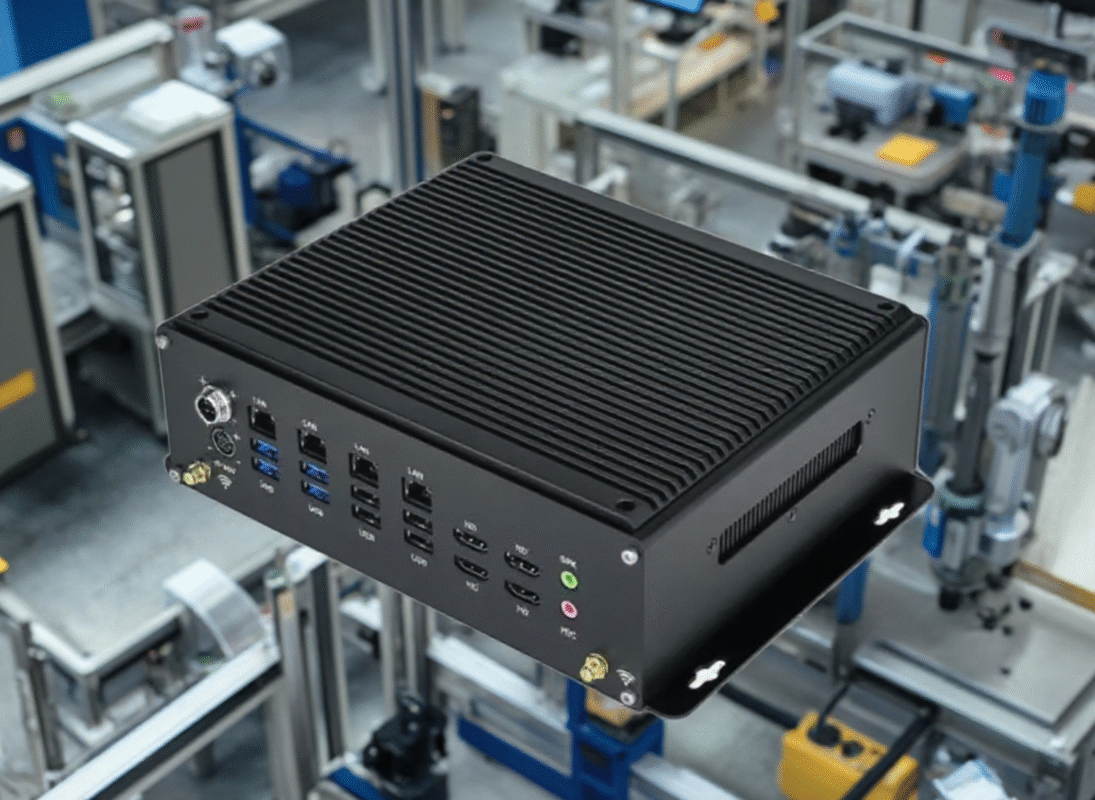
Without proper care, even rugged systems can experience performance degradation, hardware failure, or data loss. Maintenance is not just about avoiding breakdowns—it’s about ensuring safety, traceability, and efficiency on the factory floor.
1. Visual Inspection
Check the physical condition of the panel PC regularly:
Visual inspection is a quick but effective way to catch early signs of trouble.
2. Touchscreen Cleaning
Use non-abrasive, anti-static cloths with approved disinfectants to clean the screen. Avoid:
Especially for capacitive touchscreens, improper cleaning can damage the sensor or reduce responsiveness.
3. Check Cabling and Mounts
1. Monitor System Temperature
Use built-in monitoring tools or BIOS logs to track:
Overheating can drastically reduce component lifespan—even in fanless designs.
2. Clean Ventilation Paths
Even IP-rated devices can accumulate surface dust, which:
Use compressed air to gently clean non-sealed ports or housings (if applicable).
3. Check Storage Health
For panel PCs with SSDs or HDDs, monitor for:
Use tools like smartctl (Linux) or CrystalDiskInfo (Windows). Consider replacing drives nearing end-of-life before failure.
Maintaining software is just as critical as cleaning hardware.
1. OS and Firmware Updates
Tip: Schedule updates during planned downtime to avoid interruptions.
2. Backup and System Imaging
Maintain:
This ensures business continuity in the event of failure or corruption.
3. Scan for Errors or Malware
Even air-gapped systems are vulnerable to:
Regular security scans and audit logs protect both data and hardware.
1. Ensure Adequate Airflow
For fanless designs, natural airflow is critical. Avoid:
Maintain clearance around the unit and consider heat sinks or heat-dissipating backplates if ambient temperatures are high.
2. Power Protection
Industrial environments often experience voltage fluctuations, which can cause:
Use:
3. Minimize Environmental Exposure
Avoid:
Choose IP65+ rated units for demanding conditions and use enclosure hoods for extra protection if needed.
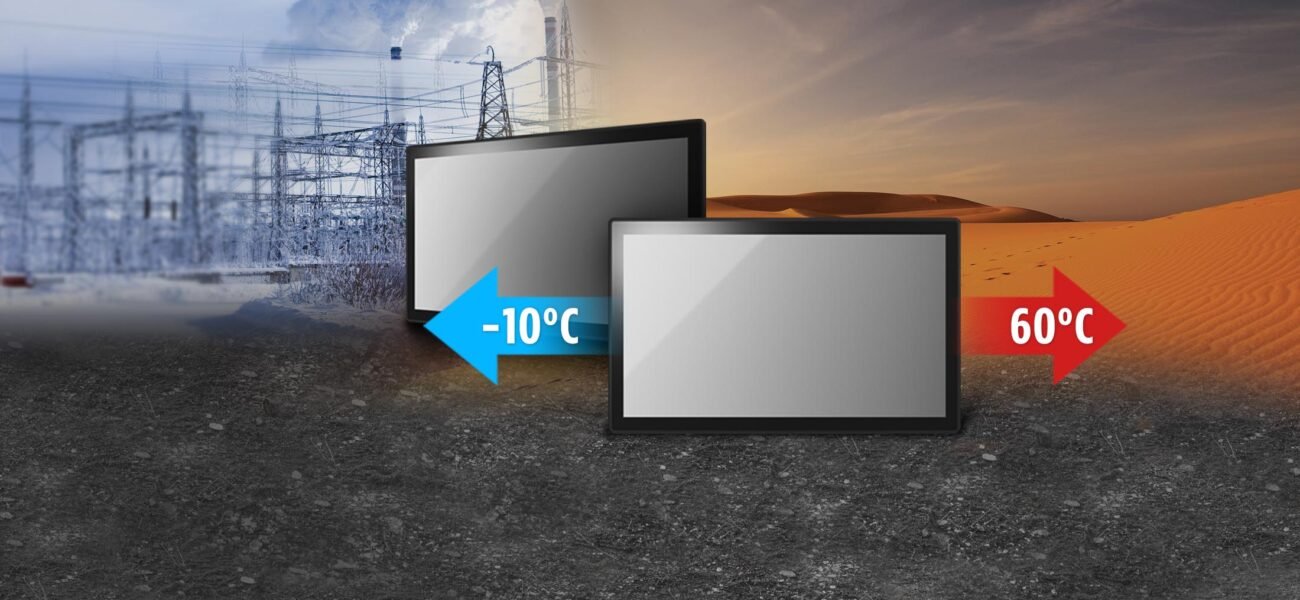
1. Waterproofing & Seal Checks
In wet or washdown environments, inspect:
Replace any degraded seals to avoid moisture ingress.
2. Disinfection in Cleanrooms and Labs
3. Condensation and Temperature Management
In cold storage or refrigerated warehouses:
Pro tip: Use a wide-temperature fanless panel PC (–20°C to +60°C) for cold chain logistics.
Even with good maintenance, components have finite lifespans.
Replace:
Ensure replacements are OEM-compatible and meet IP or EMC requirements.
At ShiMeta Device, we understand that industrial computing requires more than just great hardware — it demands reliable lifecycle support.
Our value-added services include:
Preventive Maintenance Schedules
A rugged, fanless, industrial-grade panel PC can last 7–10+ years — but only if it’s properly maintained. Preventive maintenance is the most cost-effective insurance against:
By following the best practices shared in this guide, you ensure your panel PCs remain stable, secure, and fully operational, delivering ROI for years to come.
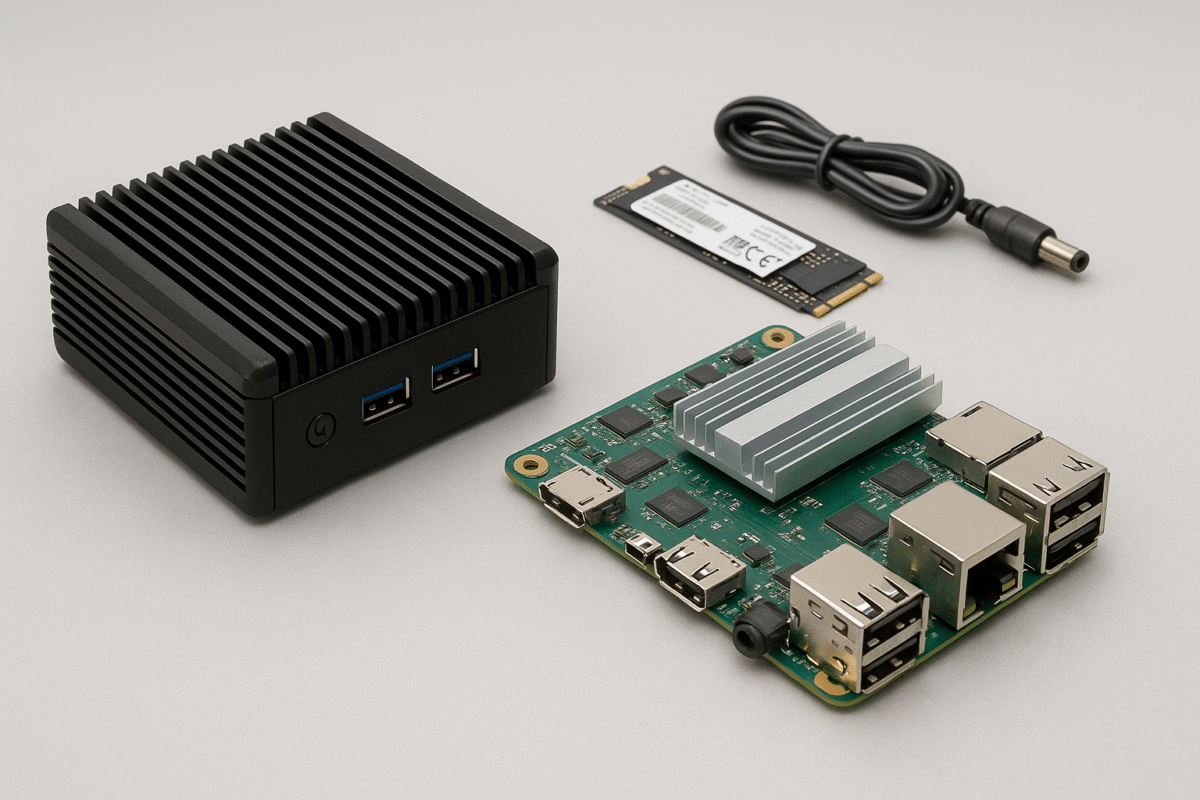
Reduce downtime and improve long-term performance with modern industrial panel PCs, embedded display boards, and fanless ARM computing solutions for factories, automation systems, kiosks, and harsh environments.
Tell us your screen size, working environment, interfaces, and quantity. Our team will recommend the best solution within 24 hours.
Request Quote View ProductsCommon questions about cleaning, troubleshooting, lifespan, and upgrading industrial panel PCs.
In most environments, external cleaning should be done weekly and internal dust inspection every 1 to 3 months depending on dust levels.
Yes. Dust can block airflow, increase internal temperature, reduce cooling efficiency, and shorten component lifespan.
A quality industrial panel PC can typically operate for 5 to 10 years, depending on workload, environment, and maintenance quality.
Replace storage when you notice slow performance, read/write errors, boot issues, or after long continuous service cycles.
Yes. Fanless systems reduce moving parts, lower dust intake, and usually require less maintenance over time.
If downtime is frequent, performance is outdated, or spare parts are unavailable, upgrading is often more cost-effective than repeated repairs.
 Shimeta
 Shimeta


