


In the digital age of healthcare, technology plays a critical role in improving patient outcomes, streamlining workflows, and ensuring compliance with regulatory standards. Among the key technologies enabling tmehis transformation is the Medical Panel PC — a purpose-built, all-in-one computer system designed specifically for hospital and clinical environments.
From nurse stations to surgical rooms, clean rooms, and mobile medical carts, medical panel PCs serve as the frontline interface for healthcare professionals. But how do hospitals know which system to choose?
This comprehensive guide explores everything hospital IT teams, biomedical engineers, and procurement managers need to know when buying a medical panel PC — including required certifications, key features, typical use cases, and expert tips for making the right choice.
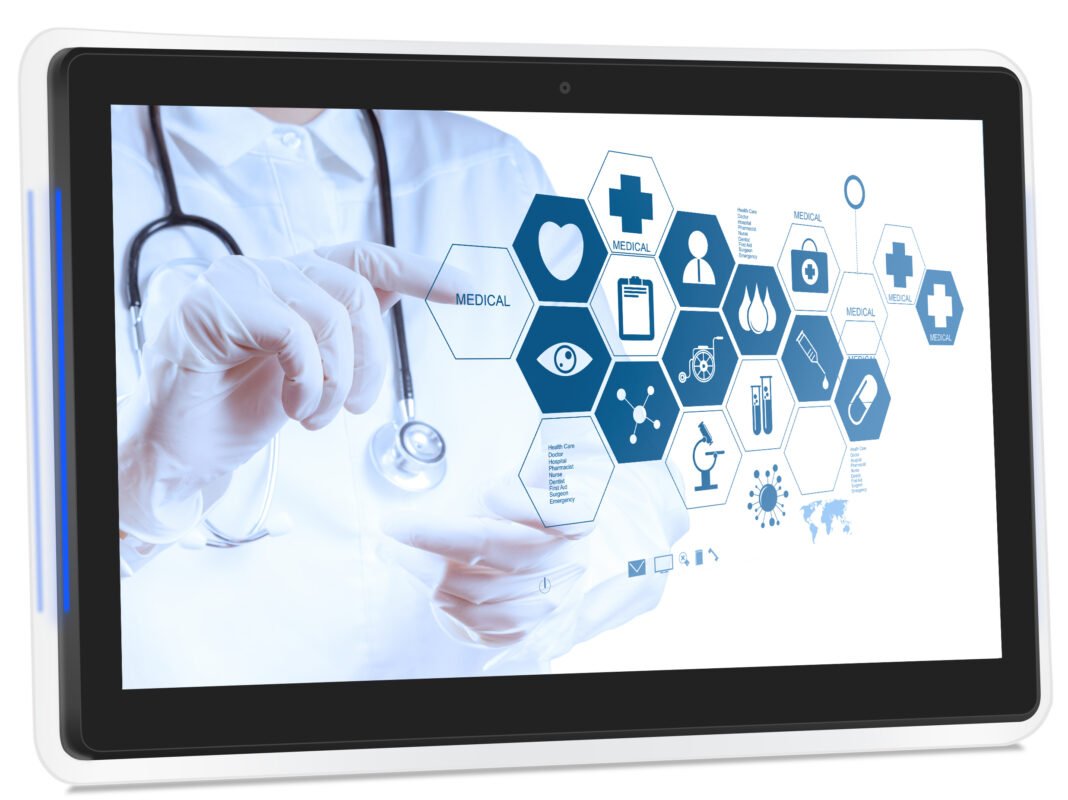
A medical panel PC is an all-in-one touch-enabled computer engineered for healthcare environments. Unlike consumer or industrial panel PCs, medical-grade panel PCs are built with a focus on:
They combine a display, touchscreen, processing unit, and I/O interfaces into one enclosed system that can be mounted on walls, carts, or medical arms.
🩺 At its core, a medical panel PC acts as a secure, durable, and intuitive HMI (Human-Machine Interface) for hospital staff, helping them work faster and more accurately.
While industrial panel PCs offer ruggedness, they may lack essential features needed in medical environments. Hospitals require computers that:
Skipping these features could lead to regulatory non-compliance, downtime, and increased infection risk.
1. Medical Certifications (EN60601-1, CE, FCC)
The gold standard for safety in medical electrical equipment is EN60601-1. This ensures the device won’t emit harmful radiation or cause electrical shock near patients.
Other certifications include:
Tip: Always confirm that your panel PC supplier meets EN60601-1 3rd edition or higher.
2. IP Rating and Sanitary Design
Most hospital settings demand IP65 or higher for the front bezel, especially in:
These ratings ensure protection against water, dust, and contaminants during wipe-downs.
Many models from ShiMeta Devices feature edge-to-edge flat glass, which is:
3. Fanless Cooling for Sterile Environments
A fanless design is essential in sterile zones because:
Instead, medical panel PCs use aluminum heat sinks and efficient CPUs to manage heat silently and reliably.
4. Display and Touchscreen Technology
Screen clarity and responsiveness matter for daily use in EMR systems and PACS (Picture Archiving and Communication System).
Key considerations:
5. Processing Power and Performance
Use case determines the performance needs:
| Application | Recommended CPU |
| Basic EMR, vitals tracking | ARM Cortex-A72, Intel Celeron |
| PACS viewing, analytics | Intel i3/i5 |
| AI diagnostics, 3D imaging | Intel i7, GPU-enabled |
Look for low-power processors (like Intel J6412 or ARM Cortex-A72) for mobile or battery-powered use.
6. Mounting Options
Hospitals demand flexible mounting based on the room layout:
Ensure that the PC is lightweight and has shock/vibration resistance if being mounted on mobile equipment.
7. I/O and Connectivity Options
Panel PCs must connect to hospital systems, peripherals, and networks:
Some ShiMeta medical panel PCs also support isolation protection to avoid electrical surges between devices.
8. OS and Software Compatibility
Medical PCs must run critical healthcare software including:
Popular OS options:
Nurse Station PCs
Bedside Patient Terminals
Operating Room Control Terminals
Labs and Diagnostics
Mobile Medical Carts
ShiMeta Devices offers a specialized range of medical-grade panel PCs optimized for clinical environments.
🔹 ShiMeta 15.6″ Medical Windows Panel PC
🔹 ShiMeta 10.1″ Android Medical Terminal
🔹 ShiMeta Stainless Steel IP66 Panel PC
Hospitals operate in life-critical environments where reliability, hygiene, and data security are essential. Investing in a medical-grade panel PC tailored for healthcare ensures:


