


In today’s fast-evolving educational landscape, communication, safety, and engagement are more important than ever. Schools, universities, and training centers are turning to digital signage solutions to deliver dynamic content across their campuses. At the core of these systems lies the digital signage media player—a compact, powerful device that manages and distributes visual content across multiple screens in real time.
Whether it’s a primary school hallway or a large university campus, digital signage players help institutions connect with students, staff, and visitors in more engaging and effective ways. In this comprehensive guide, we’ll explore the most impact use cases of digital signage players in education, how they improve campus life, and which media players are best suited for school environments.
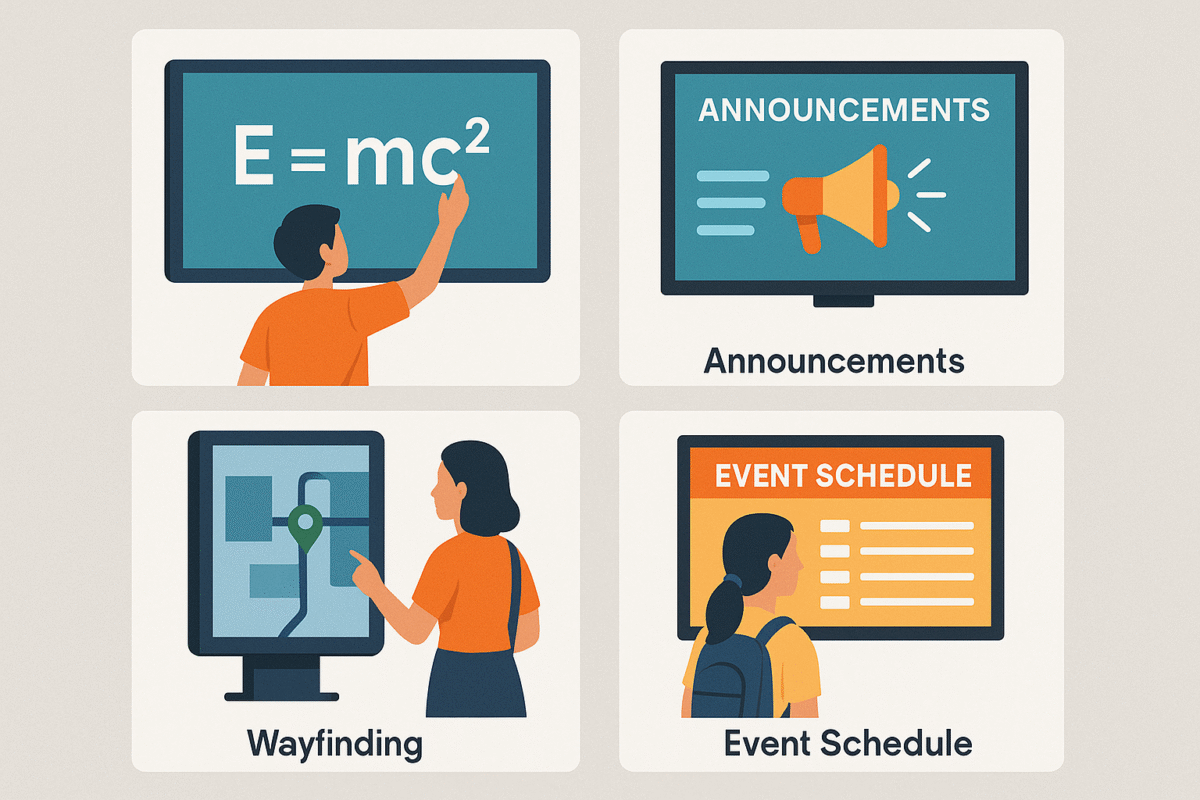
Traditional communication methods in schools—like bulletin boards, PA systems, and printed flyers—are often outdated, inefficient, and hard to manage. Digital signage players bring these communication channels into the 21st century by enabling:
According to a 2024 report by ResearchAndMarkets, the global digital signage market in education is projected to grow significantly due to the demand for smarter, safer campuses.
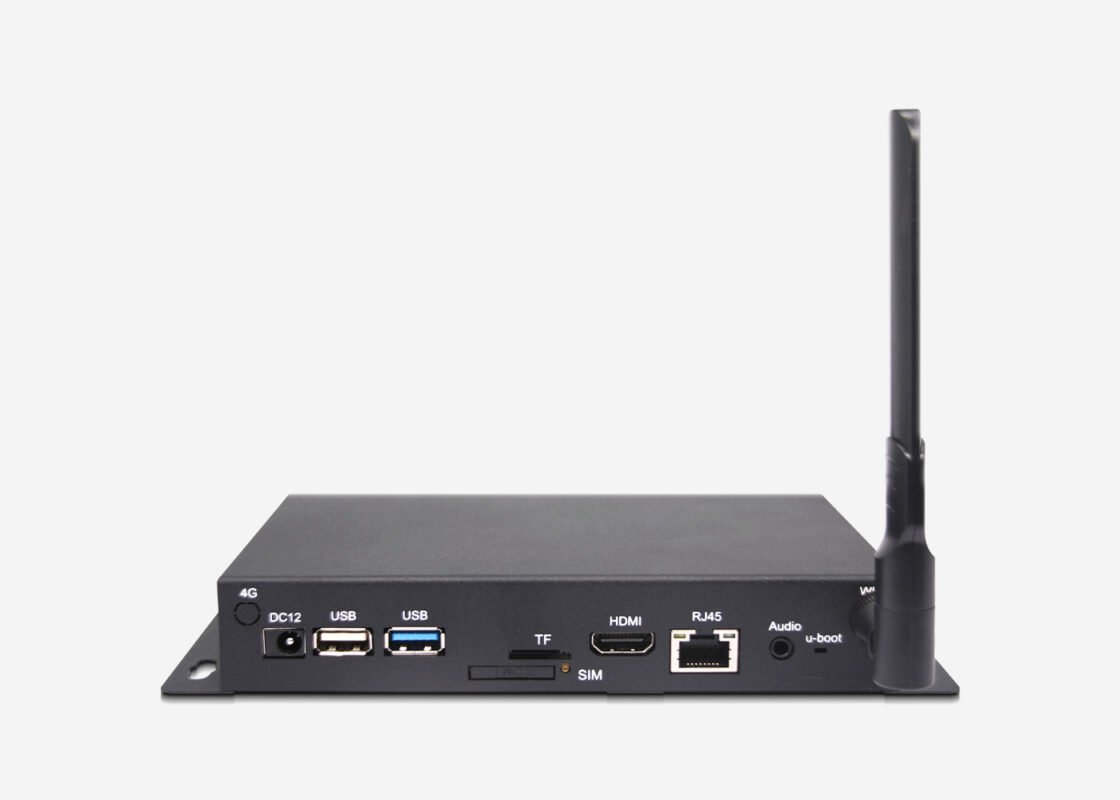
A digital signage media player is a device that connects to a display (e.g., LCD, LED, or touchscreen) and plays scheduled or real-time content such as announcements, menus, schedules, alerts, and videos. It works in tandem with a content management system (CMS) to:
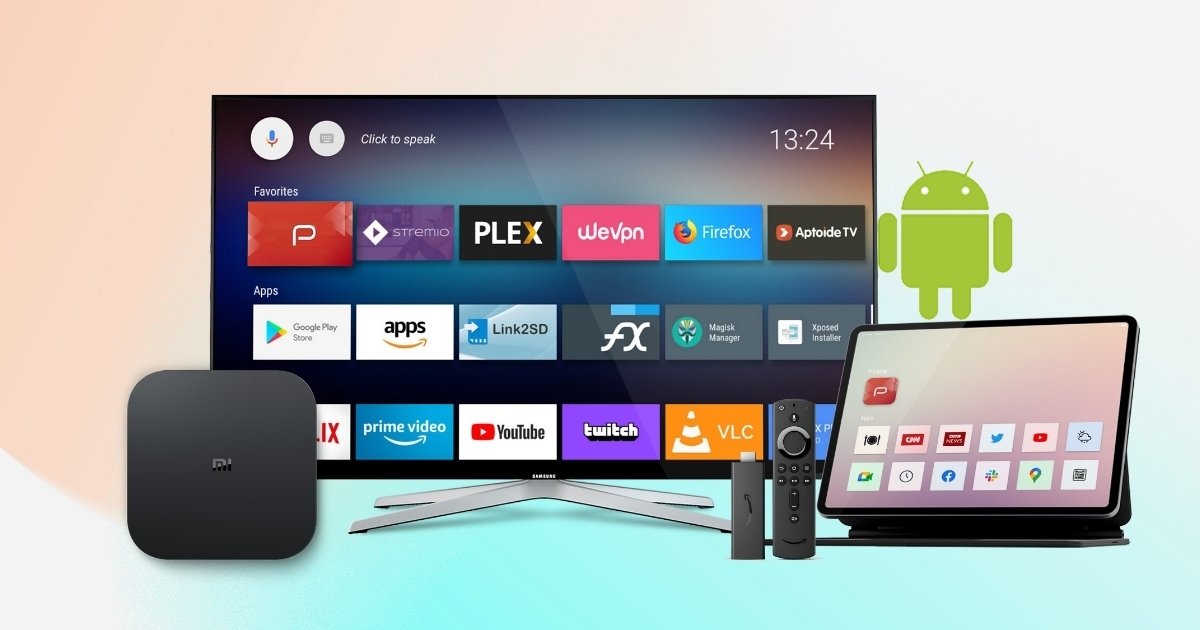
Players can be based on operating systems like Android, Linux, or Windows, and are typically used in hallways, cafeterias, classrooms, libraries, and even parking lots.
Before diving into specific applications, let’s explore the key benefits these players offer to educational institutions.
📢 1. Real-Time Information Sharing
Communicate instantly with students and staff across the entire campus:
👩🏫 2. Improved Student Engagement
Use dynamic content to capture attention:
🧑💼 3. Better Staff and Faculty Coordination
Deploy internal notices:
🌱 4. Environmentally Friendly
Reduce reliance on paper flyers, saving costs and promoting sustainability.
🔒 5. Enhanced Safety and Emergency Communication
Broadcast:
Now let’s take a closer look at how schools, colleges, and universities are using signage players on campus.
📍 1. Lobby and Reception Displays
First impressions matter. A digital signage player in the front office or reception area can:
💡 Pro tip: Schedule rotating content that highlights school values, safety procedures, and upcoming events.
🏃 2. Hallways and Common Areas
Hallways see the highest foot traffic in any school. A strategically placed signage display can:
🛠 ShiMeta signage players support multi-zone displays, meaning you can show time, date, images, and video in different parts of the same screen.
🍽 3. Cafeterias and Food Courts
Menu boards powered by signage players can:
🧠 Integration with digital menu CMS allows real-time updates and scheduling based on grade level or school policy.
📚 4. Classrooms and Lecture Halls
Use media players in classrooms to:
✅ Many ARM-based players from ShiMeta Devices support Android OS, making them compatible with popular learning apps.
🔍 5. Libraries and Media Labs
In these quieter zones, digital signage players can:
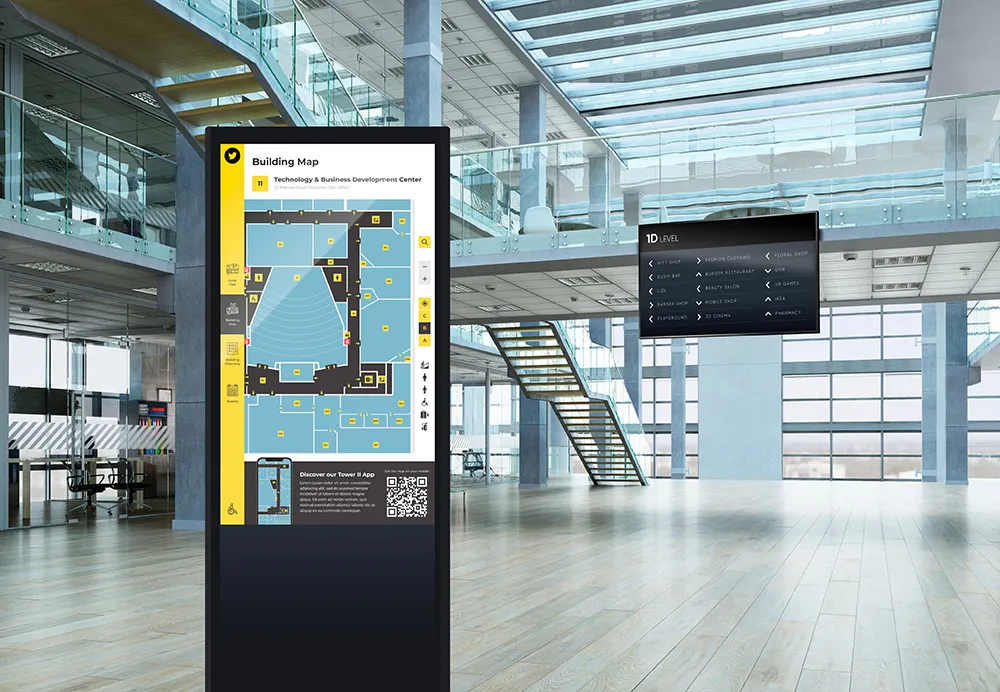
🗺 6. Digital Wayfinding and Campus Navigation
For large school campuses or universities, signage players enable:
Some systems also support QR codes that students can scan for real-time directions.
🚨 7. Emergency Alerts and Safety Instructions
A signage player integrated with an alert management system can instantly broadcast:
📡 ShiMeta players support OTA (Over-the-Air) updates and real-time screen overrides to ensure urgent messages are delivered immediately.
Every education institution has unique needs. Here’s what to look for when choosing a signage media player:
✅ 1. Cloud CMS Compatibility
Ensure the player works with platforms like:
These platforms allow centralized control across multiple school buildings or campuses.
✅ 2. High-Resolution Output
Clear visuals improve engagement. Look for:
✅ 3. Remote Management Capabilities
Essential for IT teams:
✅ 4. Fanless, Durable Design
In school settings, the best media players are:
✅ 5. Android and Linux Compatibility
Most cost-effective education signage systems run on:
ShiMeta players offer both, depending on your software stack and performance needs.
Here are the most suitable ShiMeta models for schools and universities:
🔹 ShiMeta RK3399Pro Linux Signage Box
🔹 ShiMeta RK3588 Android Signage Player
| Model | OS | Output | CMS Support | Ideal For |
| RK3399Pro Signage Box | Linux | Dual 4K | Xibo, info-beamer | Hallways, Cafeterias |
| RK3588 Android Box | Android 12 | Dual HDMI 2.0 | ScreenCloud, DSignage | Classrooms, Directories |
| x86 Mini PC | Windows 11 | 4K+ | All Windows CMS | Admin Offices, Libraries |
Digital signage players are revolutionizing how schools communicate, engage, and inform. They offer a cost-effective, scalable, and interactive platform to connect with students, staff, and parents — all from a centralized system.
By choosing the right digital signage player, schools can not only modernize their campuses but also create safer, more connected learning environments.
📦 Ready to Equip Your Campus with Smart Displays?
 Shimeta


